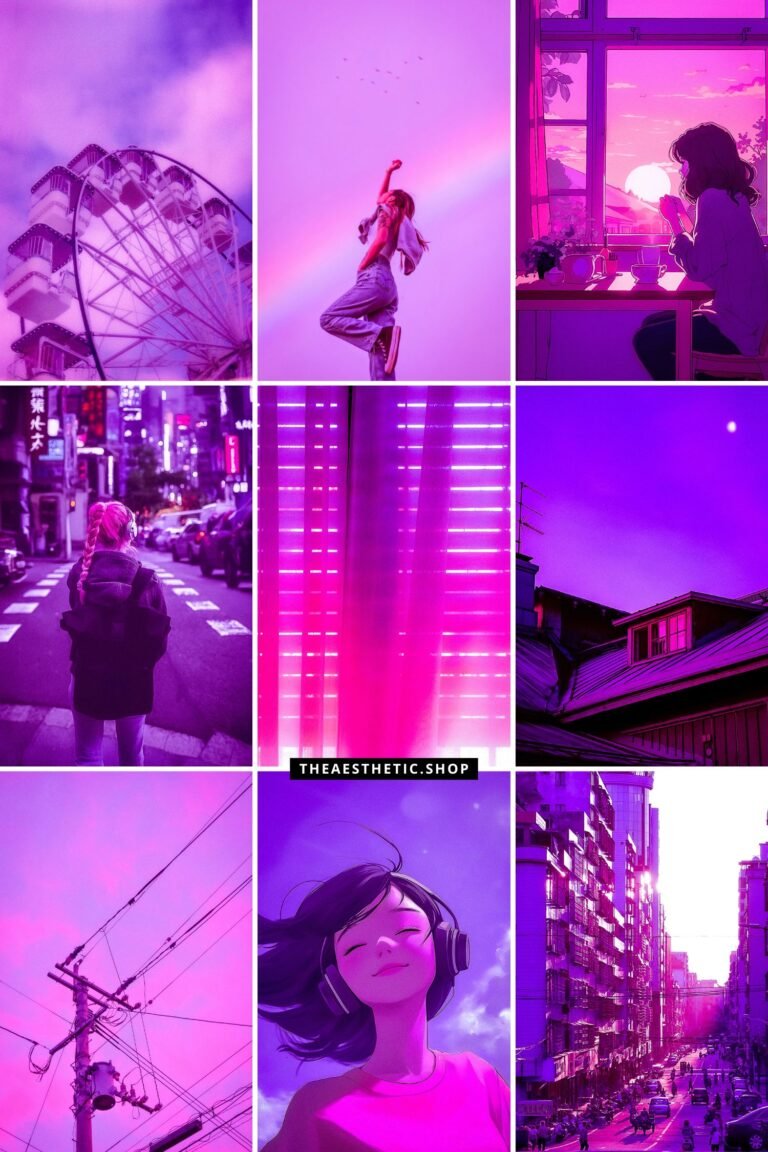
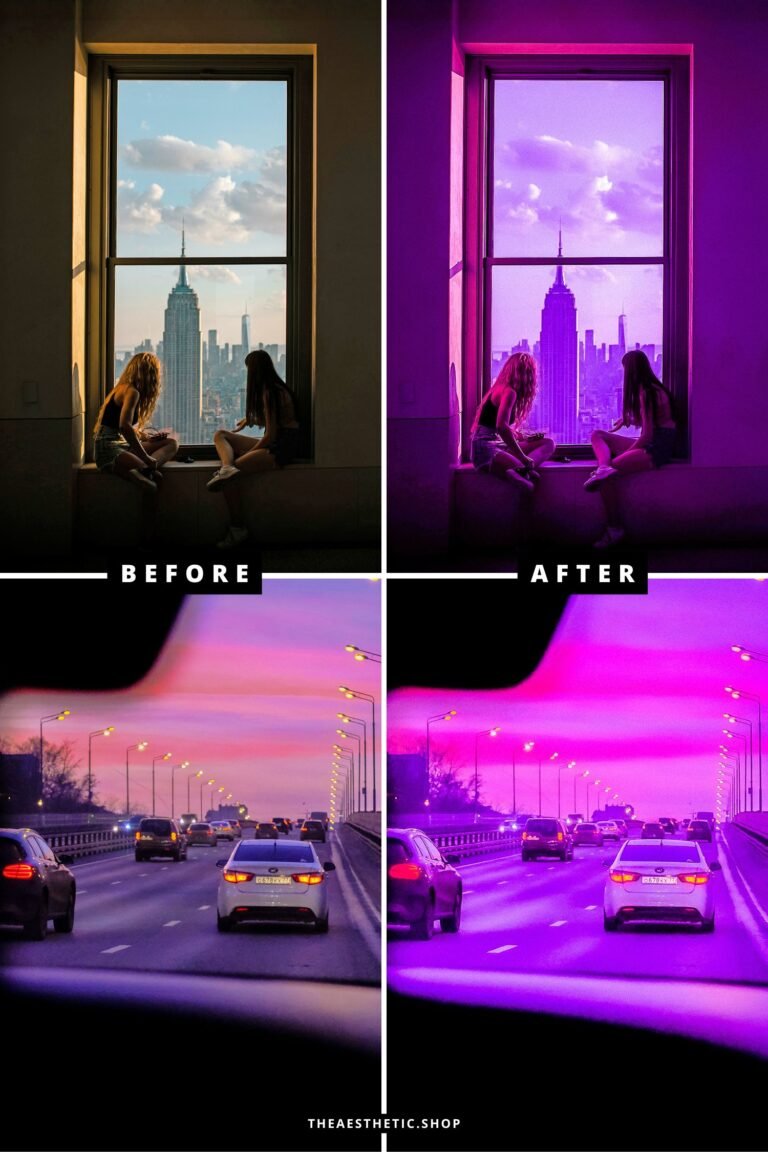
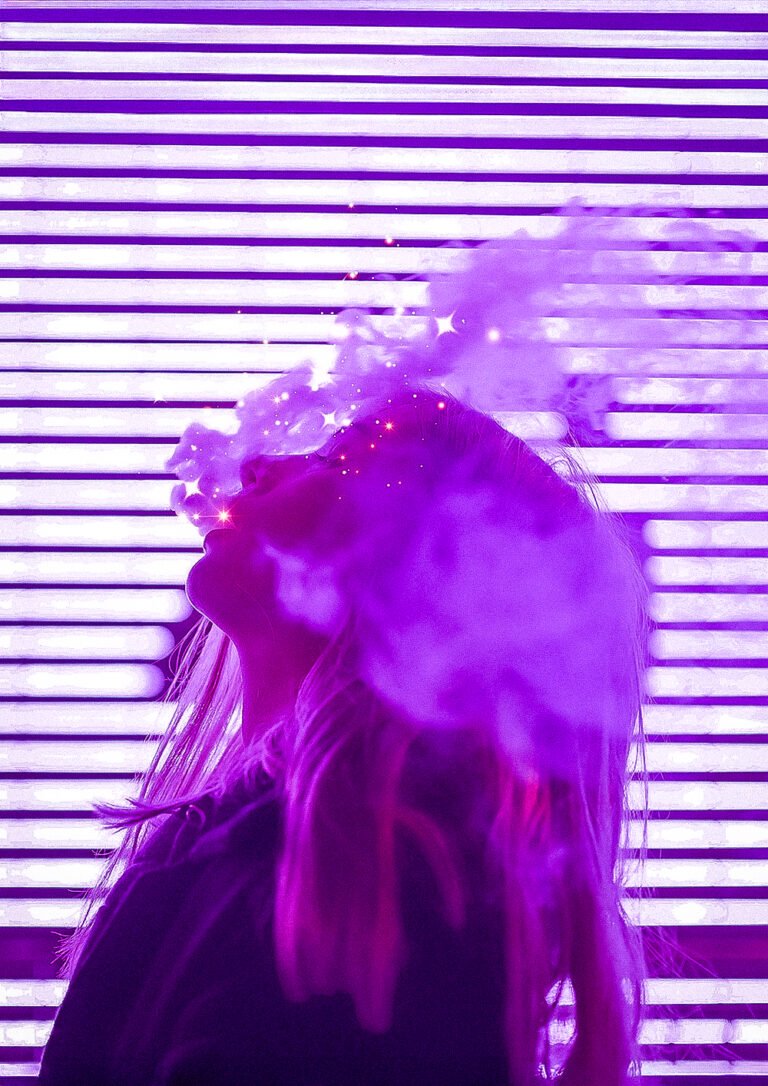
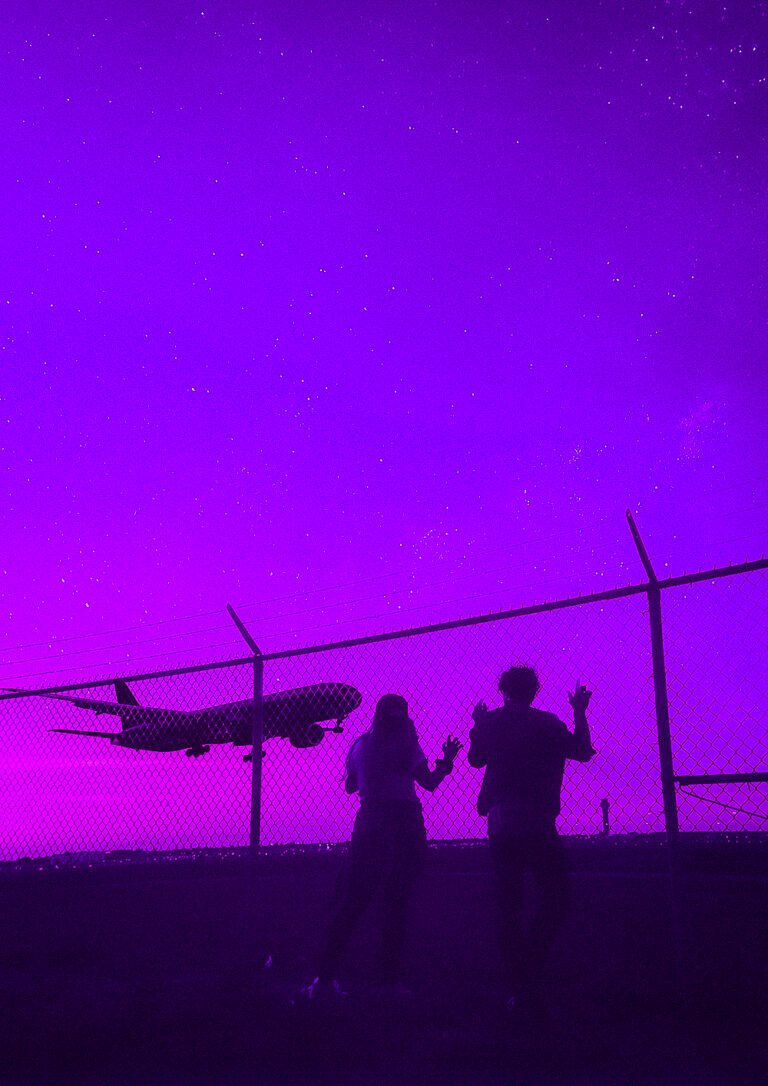
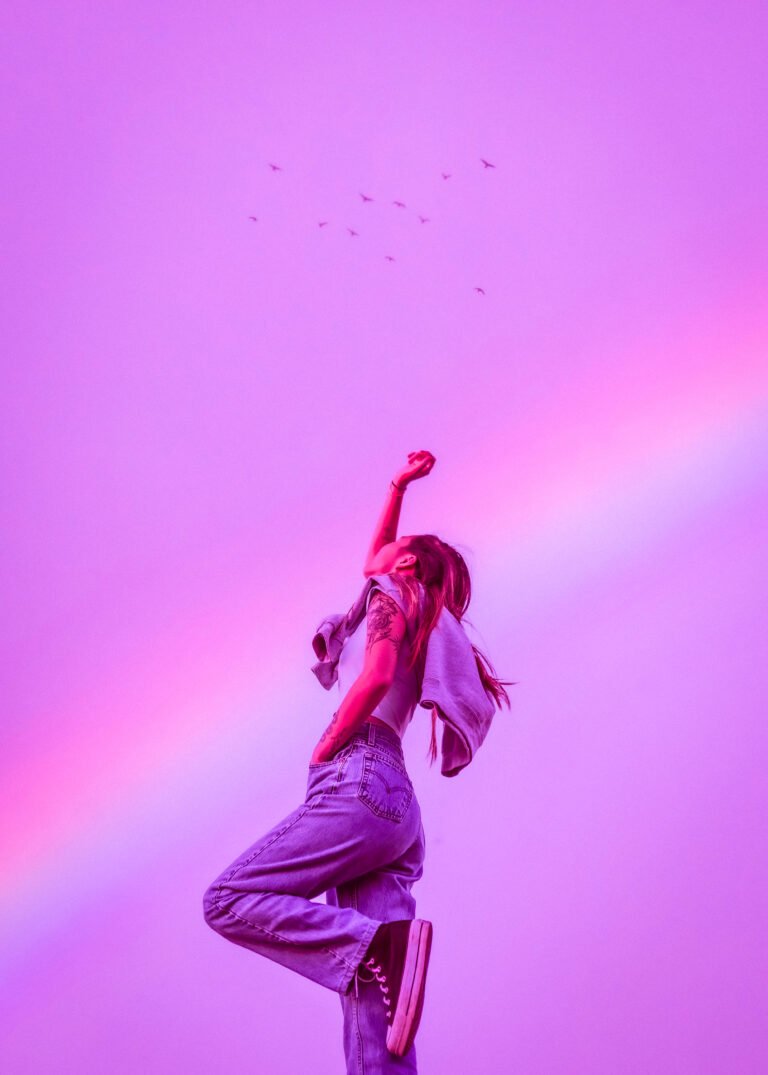
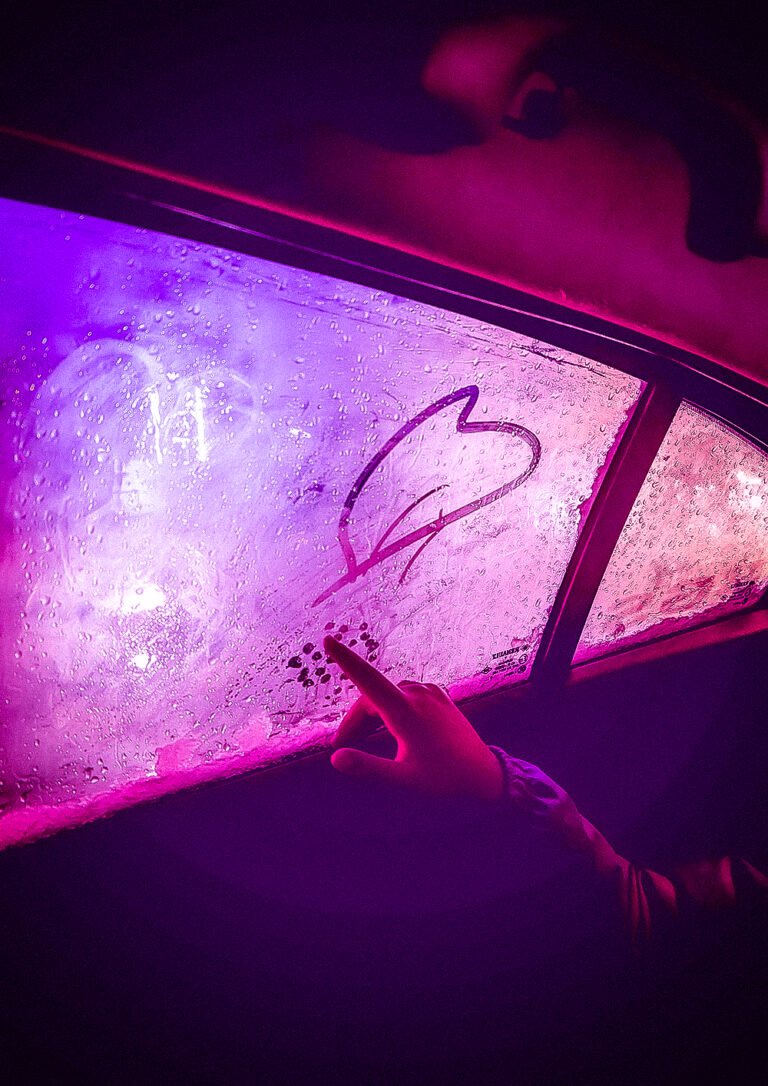
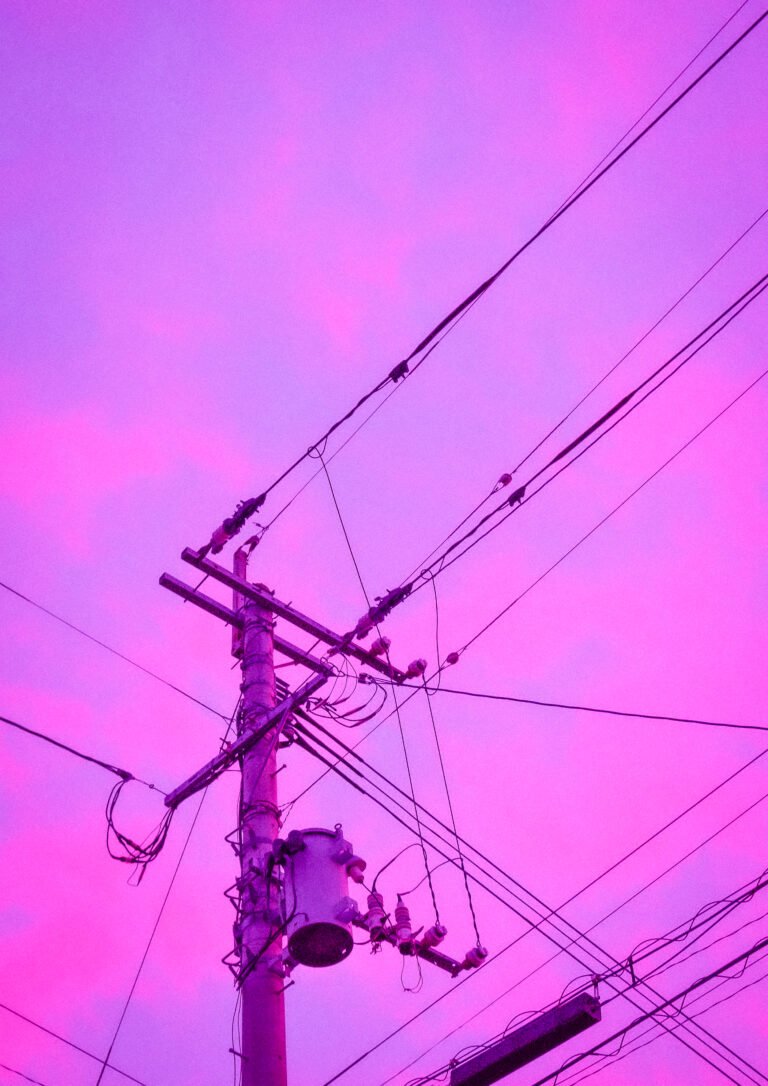
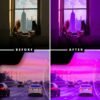





Capture the chill, nostalgic vibes of the Lofi Aesthetic with this Lightroom preset. Designed to bring out dreamy tones, warm shadows, and a cinematic feel, this preset is perfect for moody urban photography, cozy interiors, and creative content that radiates late-night calm.
What’s Included:
- 1 Lightroom photo and video preset (compatible with mobile).
What You Need:
- The free Lightroom app (available on iOS and Android).
How to Install:
- Download the file: After purchase, you’ll receive a download link via email.
- Unzip the folder: Open the folder and locate the image labeled “This is your preset.”
- Save the preset image: Save the image to your phone.
- Import to Lightroom: Open the Lightroom app and upload the preset image.
- Create your preset:
- Tap the three dots (…) in the upper-right corner.
- Select “Create Preset” and name it (e.g., “Lofi Aesthetic”).
- Apply the preset: Open your photos in Lightroom and apply the preset for a soft, cinematic finish!
Why You’ll Love It:
✨ Moody Cinematic Tones: Add dreamy purples, pinks, and warm lighting to your photos and videos.
✨ Beginner-Friendly: Simple to install and use, even if you’re new to editing.
✨ Versatile: Perfect for urban landscapes, night photography, and relaxed lifestyle shots.
Additional Info:
- Delivery: Instant digital download.
- Support: If you have questions or need help, email me at hey@theaesthetic.shop.
Pro Tips for Best Results:
- Use photos with soft lighting or urban settings to enhance the dreamy effect.
- Adjust brightness, saturation, and temperature in Lightroom to tailor the preset to your style.




Reviews
There are no reviews yet.