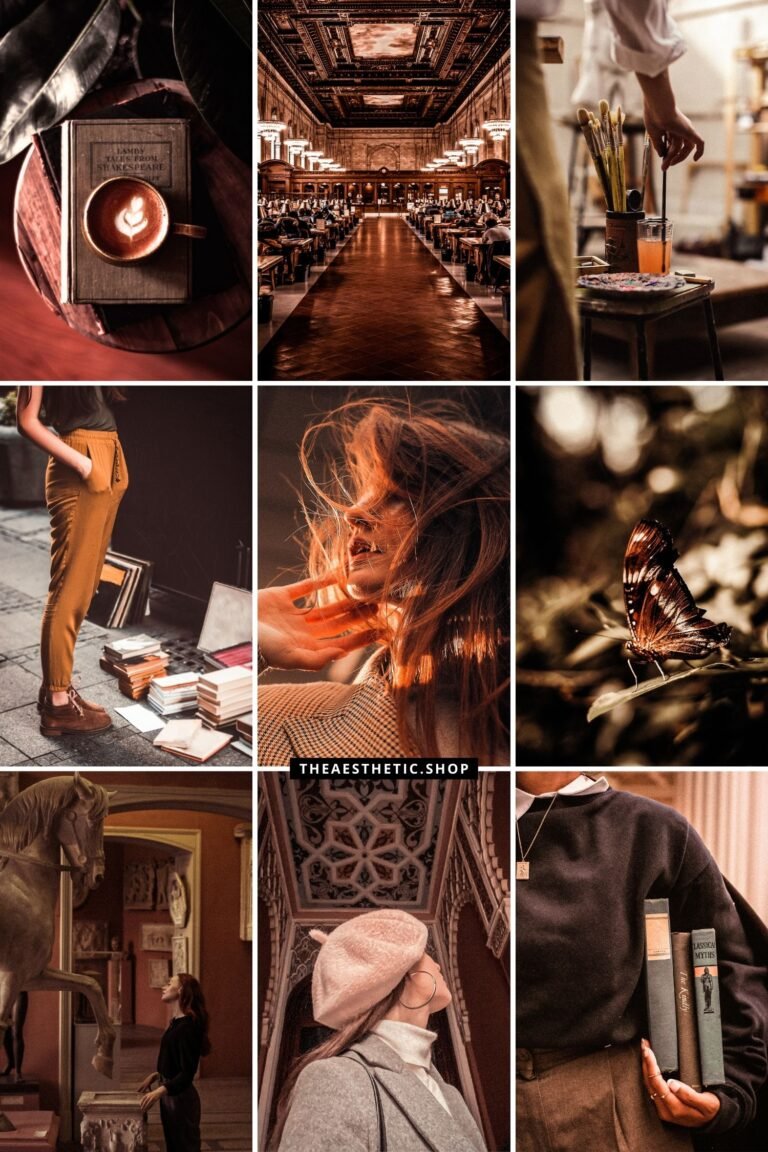
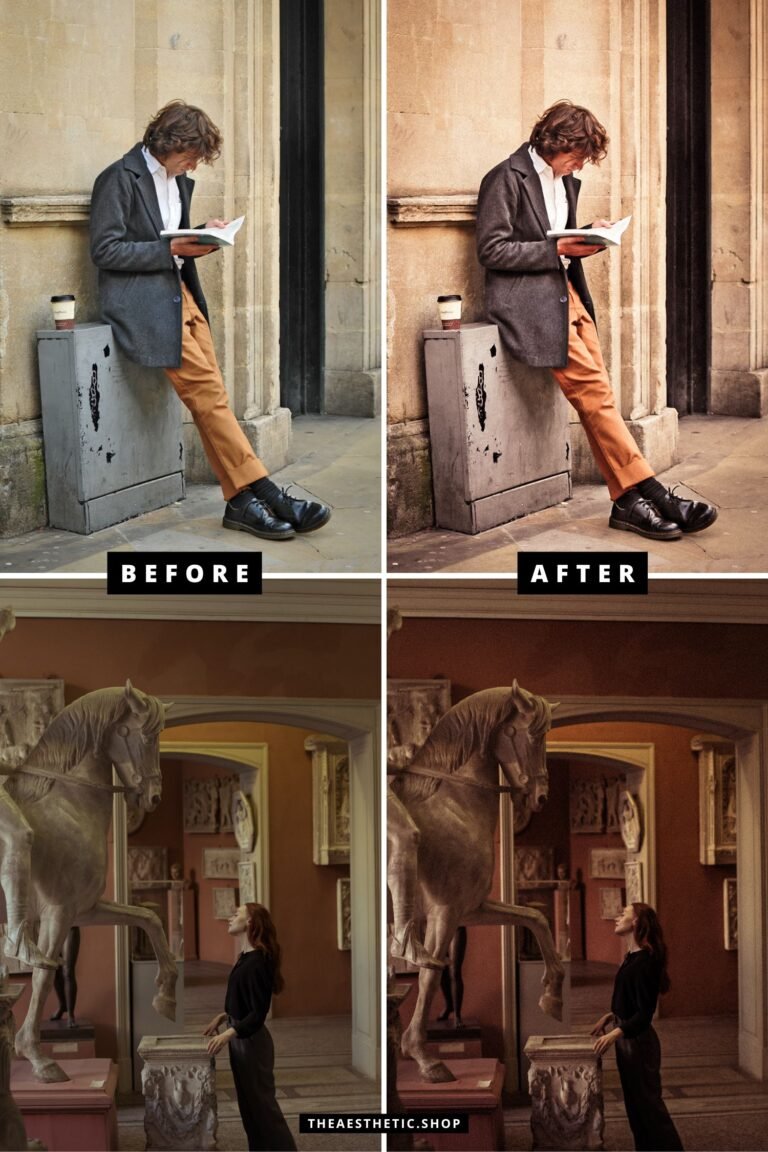

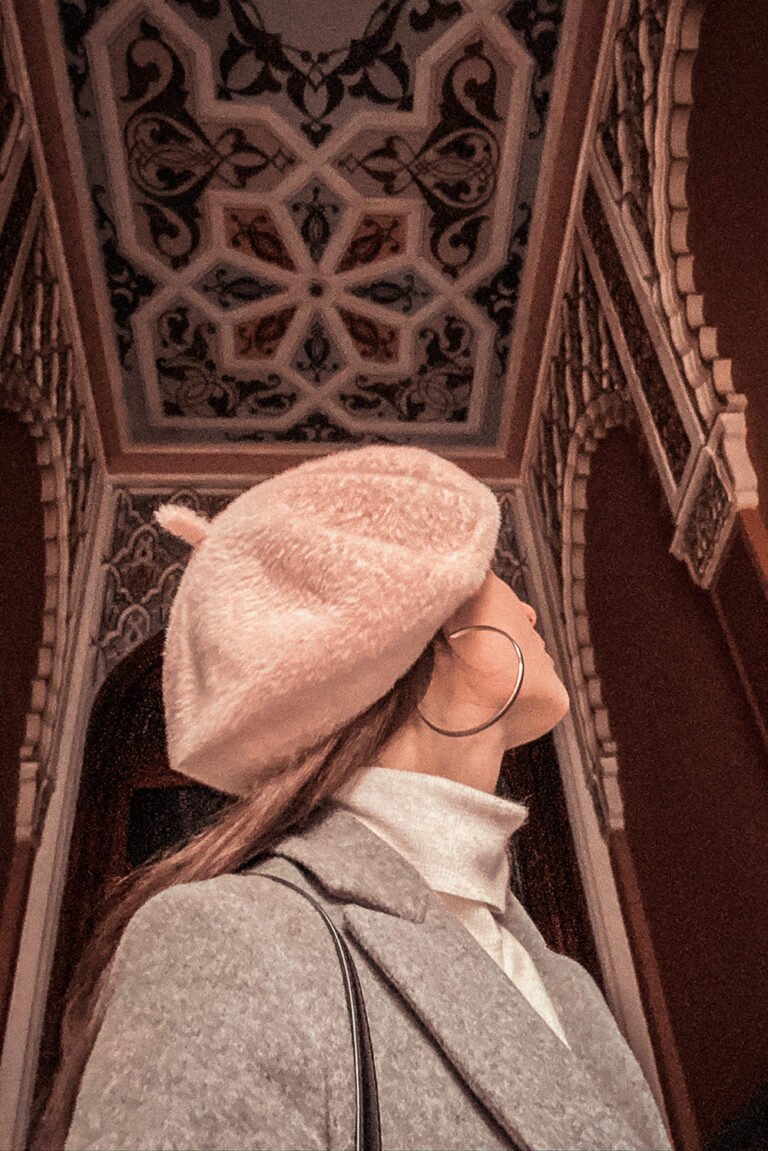
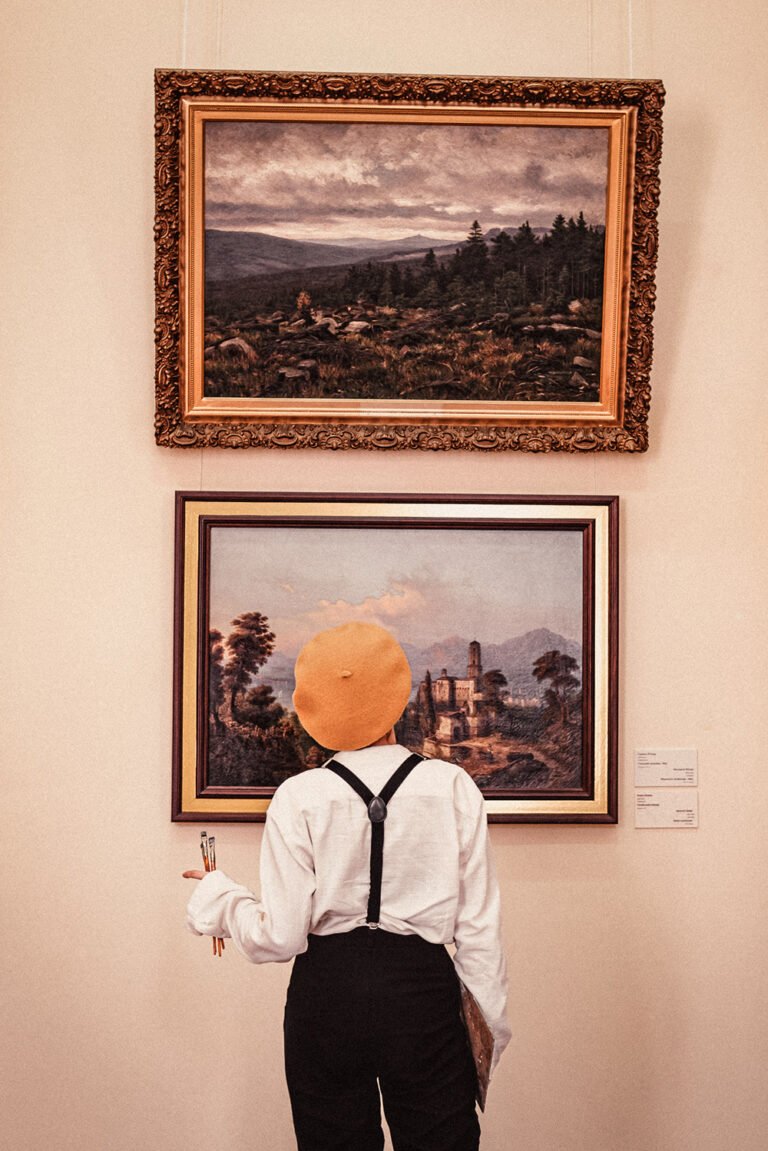
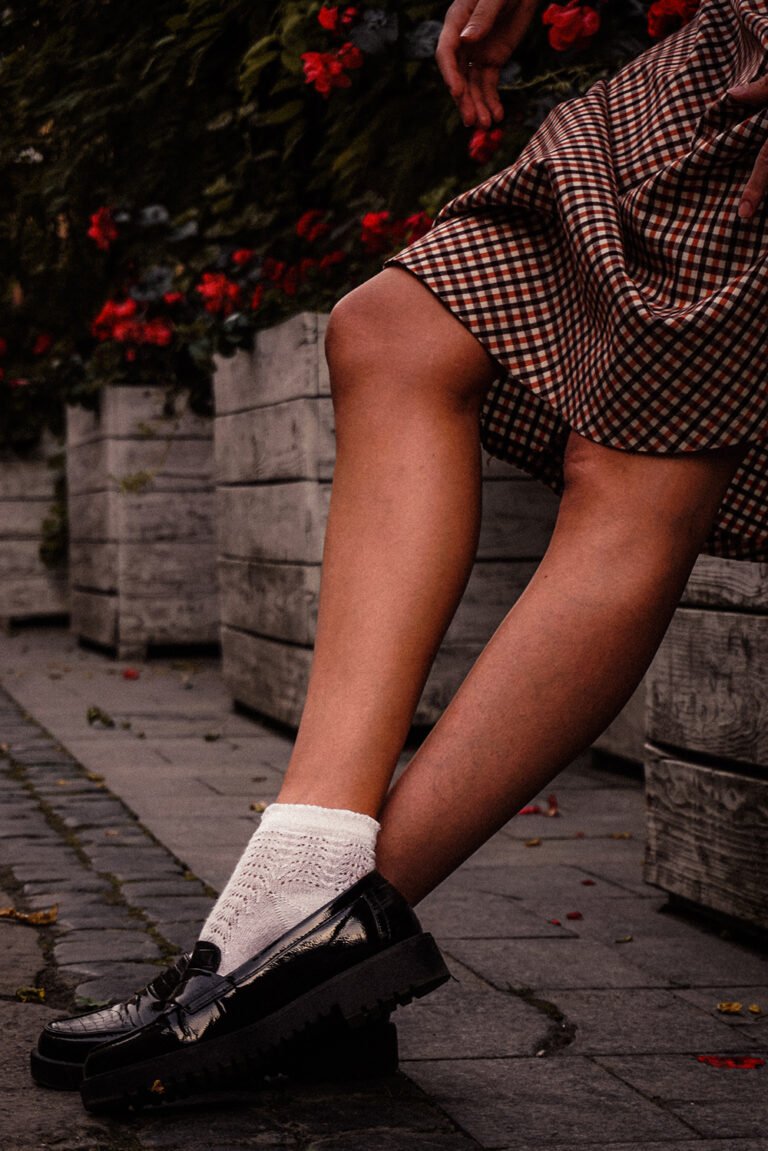
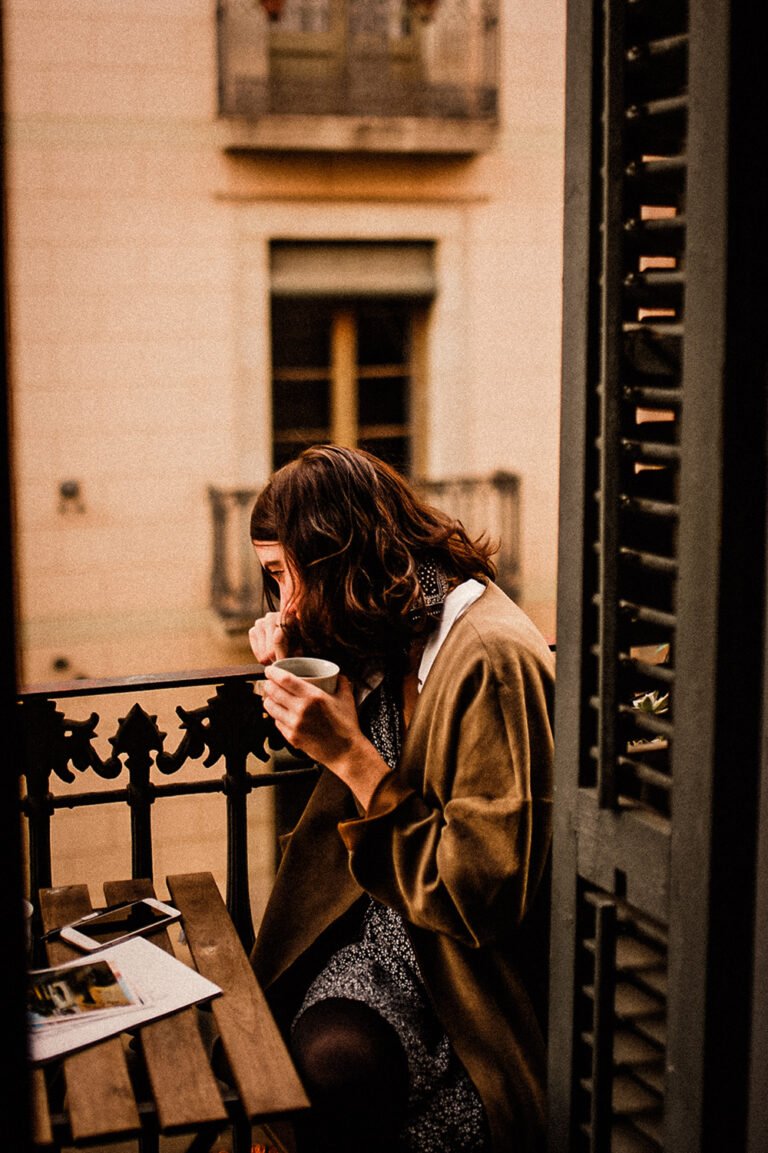

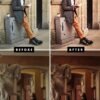





Transform your photos into timeless works of art with the Dark Academia Aesthetic Lightroom Preset. Perfect for achieving a vintage, moody, and intellectual vibe in your photos and videos—ideal for book lovers, writers, and aesthetic enthusiasts.
What’s Included:
- 1 Lightroom photo preset (compatible with mobile).
What You Need:
- The free Lightroom app (available on iOS and Android).
How to Install:
- Download the file: After purchase, you’ll receive a download link via email.
- Unzip the folder: Open the folder and locate the image labeled “This is your preset.”
- Save the preset image: Save the image to your phone.
- Import to Lightroom: Open the Lightroom app and upload the preset image.
- Create your preset:
- Tap the three dots (…) in the upper-right corner.
- Select “Create Preset” and name it (e.g., “Dark Academia”).
- Apply the preset: Open your photos in Lightroom and apply the preset for an effortlessly cohesive aesthetic.
Why You’ll Love It:
✨ Instant Mood: Achieve warm, desaturated tones with a dramatic, vintage-inspired look.
✨ Easy to Use: Designed for both beginners and pros—no technical skills required.
✨ Versatile: Perfect for photos, videos, and social media content.
Additional Info:
- Delivery: Instant digital download.
- Support: Need help? Contact me anytime—I’m here to ensure you get the most out of your preset! Email me at hey@theaesthetic.shop.
Pro Tips for Best Results:
- Use this preset on photos with natural lighting for optimal effect.
- Adjust brightness or saturation in Lightroom for a custom look.


&url=https://www.theaesthetic.shop/product/30-easy-to-edit-dark-academia-aesthetic-social-media-canva-templates-for-stories-feed/&media=https://www.theaesthetic.shop/wp-content/uploads/2022/08/dark-academia-aesthetic-social-media-instagram-post-templates-by-lu-amaral-studio9.jpg)


