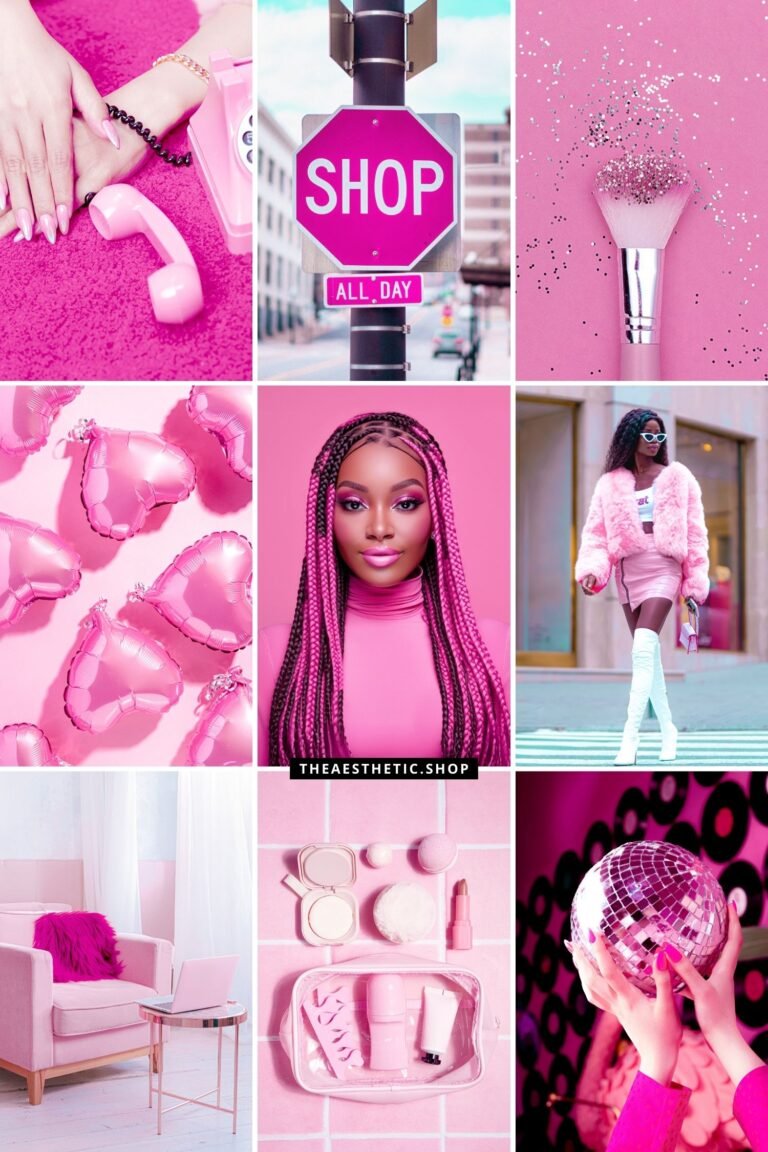
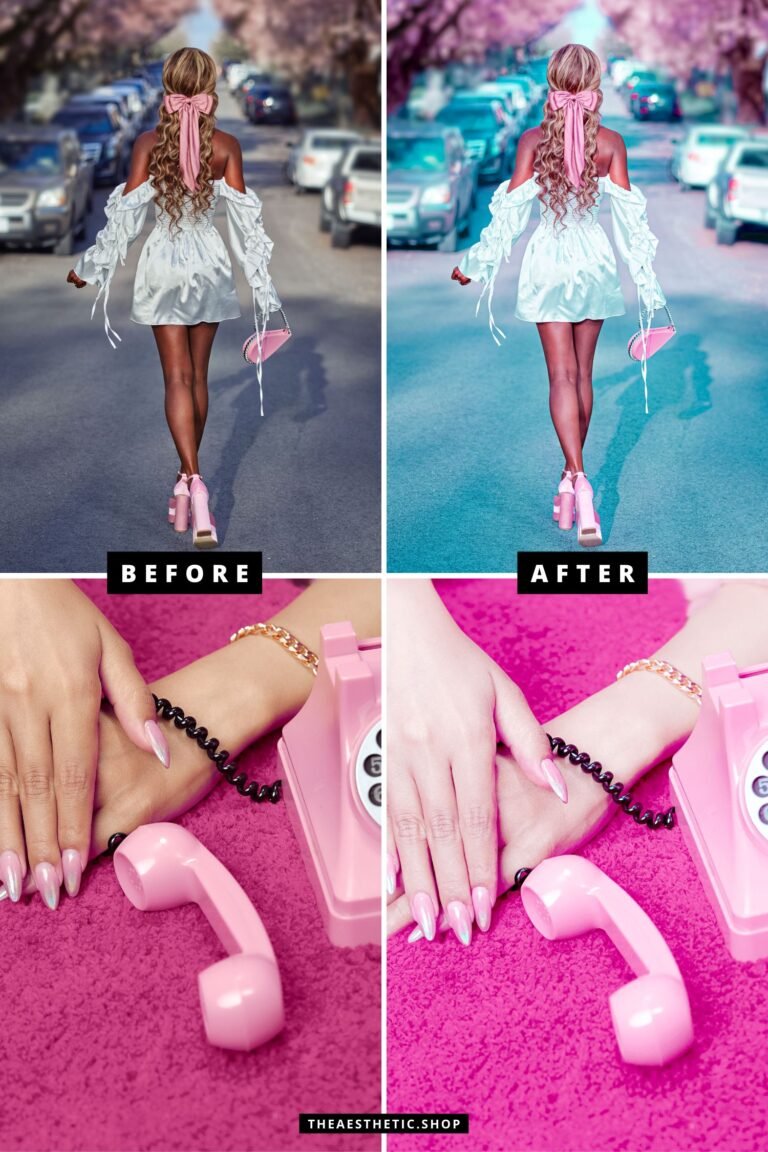
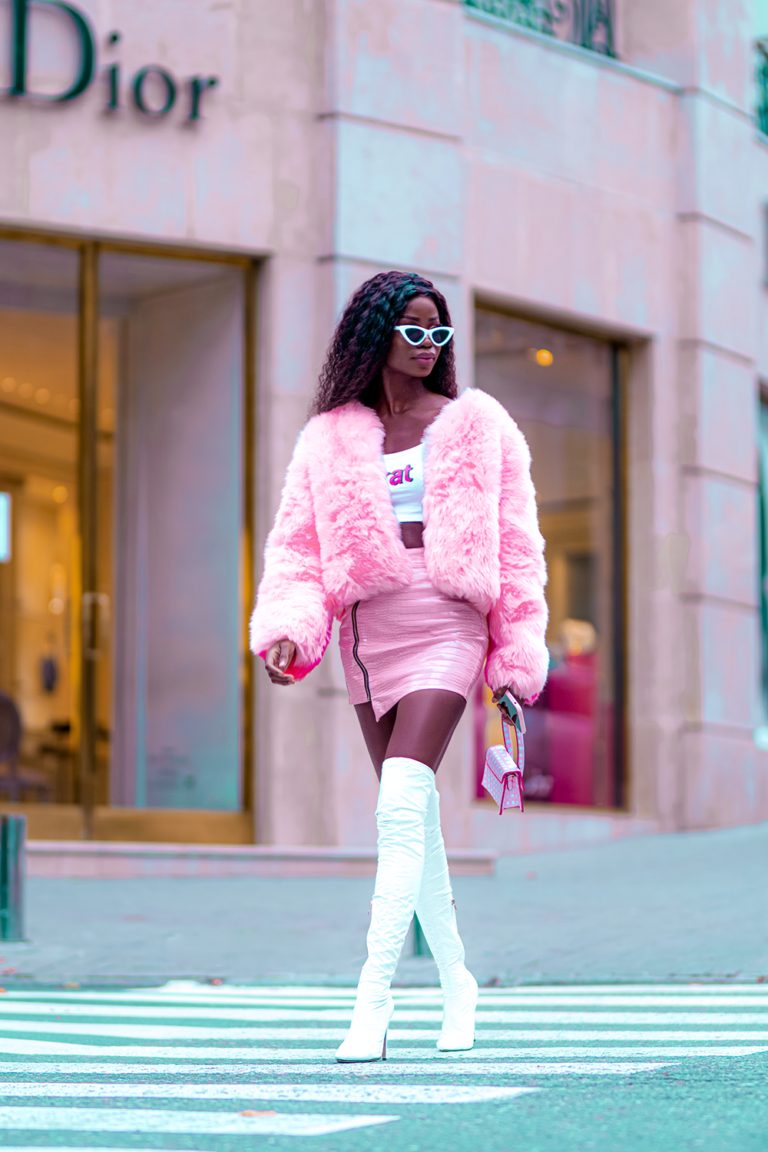
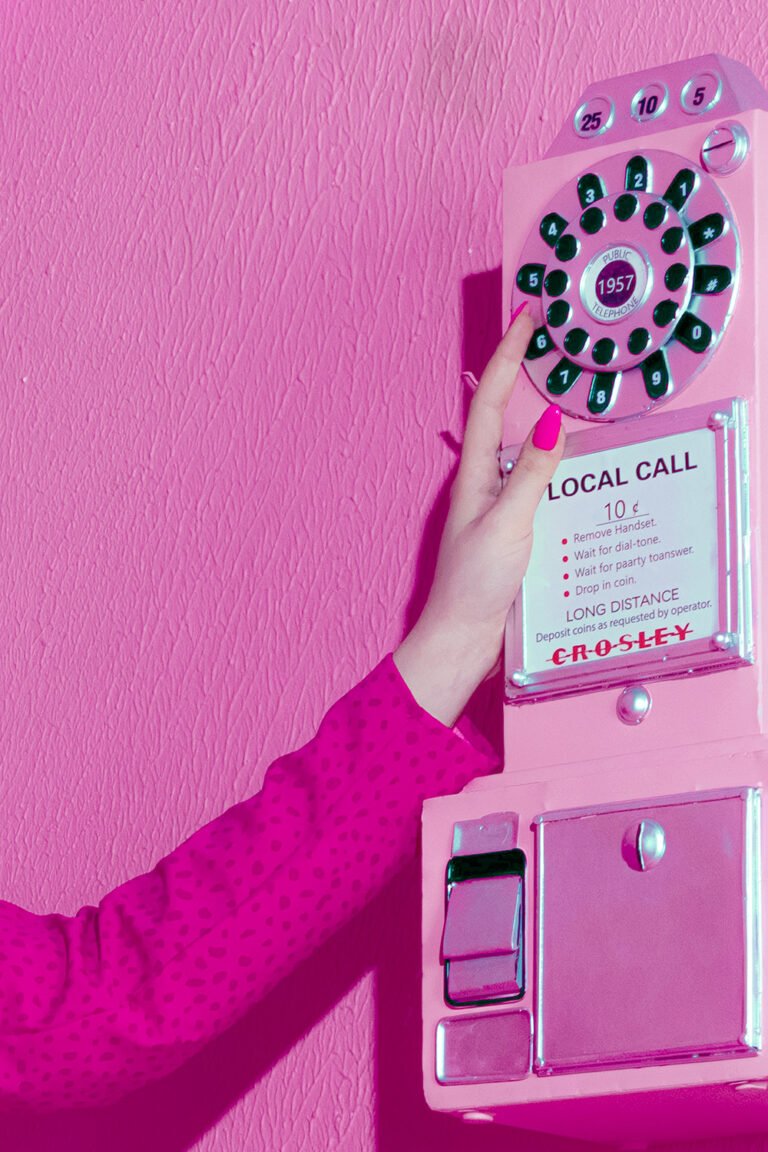
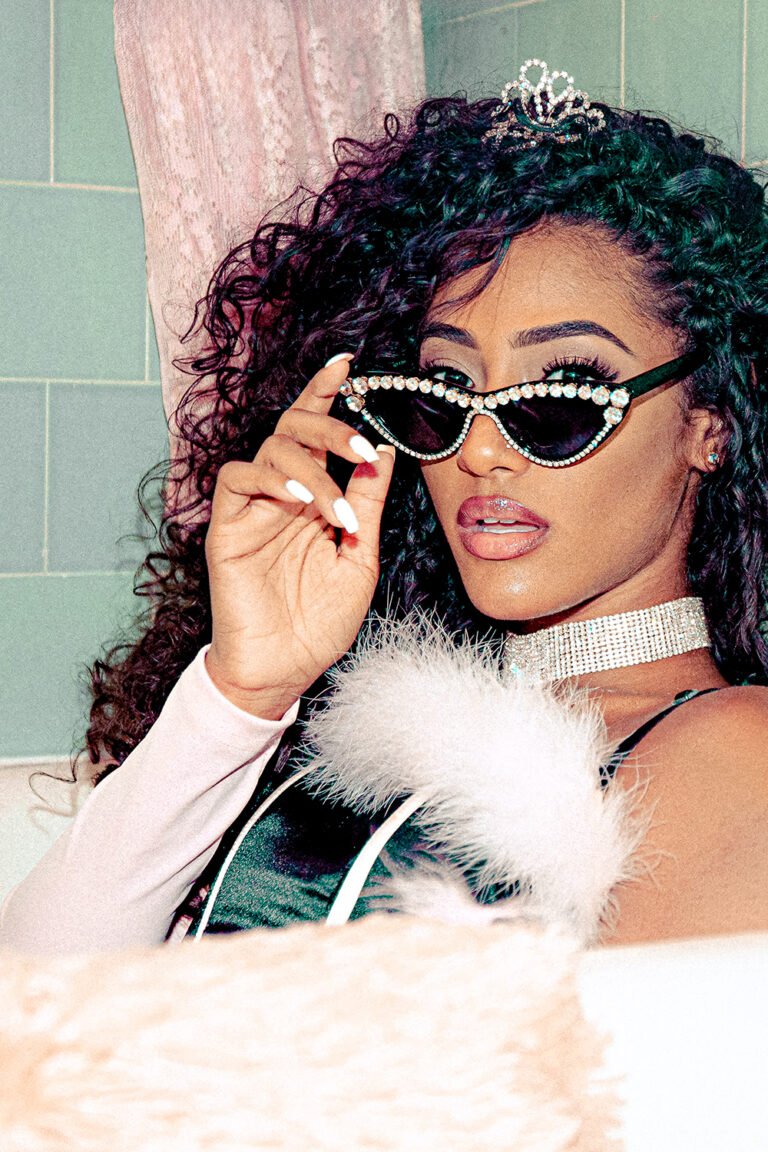
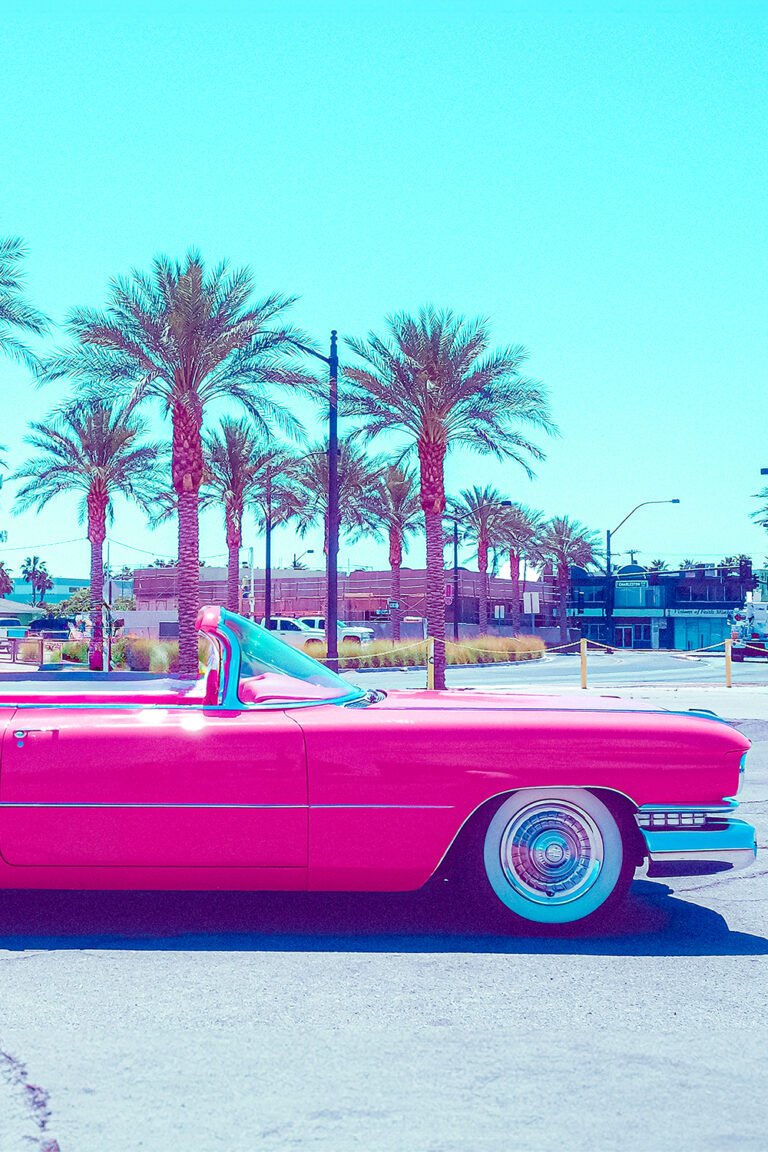
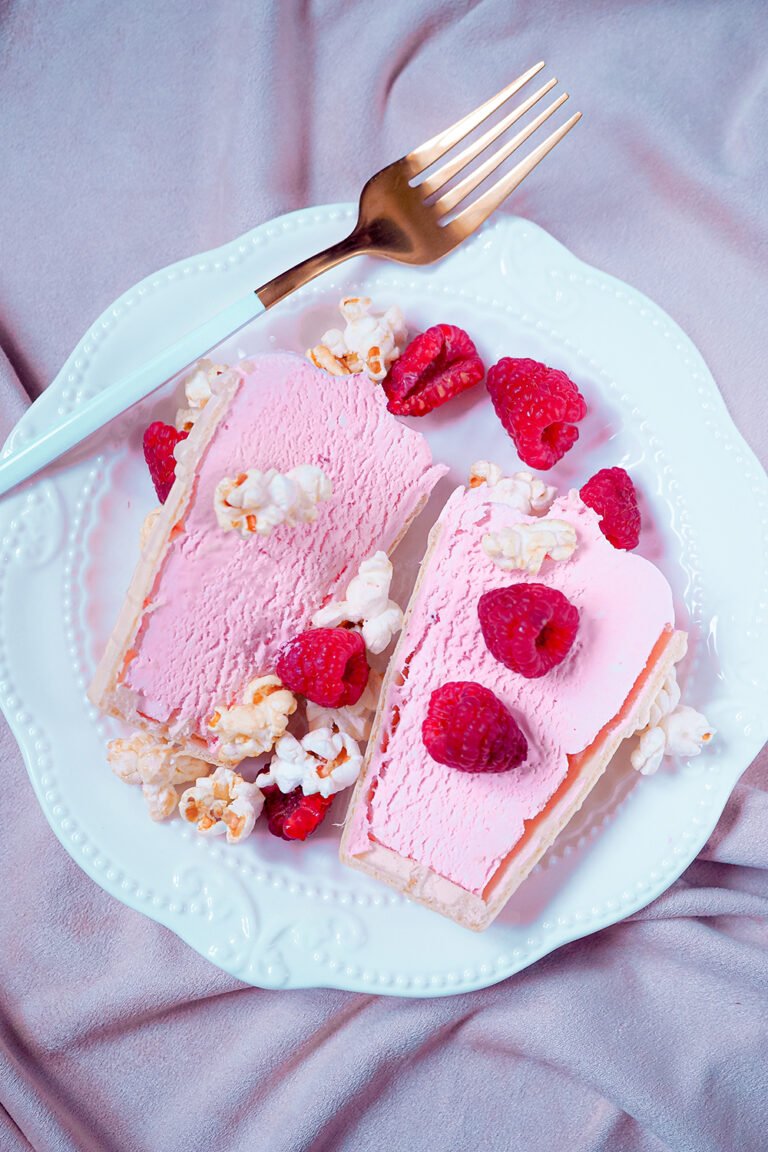

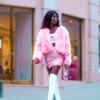




Step into a world of bold, glamorous pink with the Barbiecore Aesthetic Lightroom Preset! Designed to create vibrant, eye-catching tones with a touch of retro fun, this preset is perfect for fashion lovers, beauty influencers, and anyone looking to bring their inner Barbie to life.
What’s Included:
- 1 Lightroom photo preset (mobile-compatible).
What You Need:
- The free Lightroom app (available on iOS and Android).
How to Install:
- Download the file: After purchase, you’ll receive a download link via email.
- Unzip the folder: Open the folder and locate the image labeled “This is your preset.”
- Save the preset image: Save the image to your phone.
- Import to Lightroom: Open the Lightroom app and upload the preset image.
- Create your preset:
- Tap the three dots (…) in the upper-right corner.
- Select “Create Preset” and name it (e.g., “Barbiecore Aesthetic”).
- Apply the preset: Open your photos in Lightroom and apply the preset for bold, glamorous results!
Why You’ll Love It:
✨ Glamorous Pink Tones: Create vibrant, bold pink hues that pop!
✨ Perfect for Influencers: Tailored for beauty, fashion, and lifestyle content.
✨ Easy to Use: No editing experience needed—achieve professional results in seconds.
Additional Info:
- Delivery: Instant digital download.
- Support: Need help? Feel free to reach out—I’m here for you! Email me at hey@theaesthetic.shop.
Pro Tips for Best Results:
- Use photos with good lighting to make those pink tones really stand out.
- Adjust the contrast or highlights in Lightroom to customize your unique Barbie-inspired aesthetic.


Reviews
There are no reviews yet.