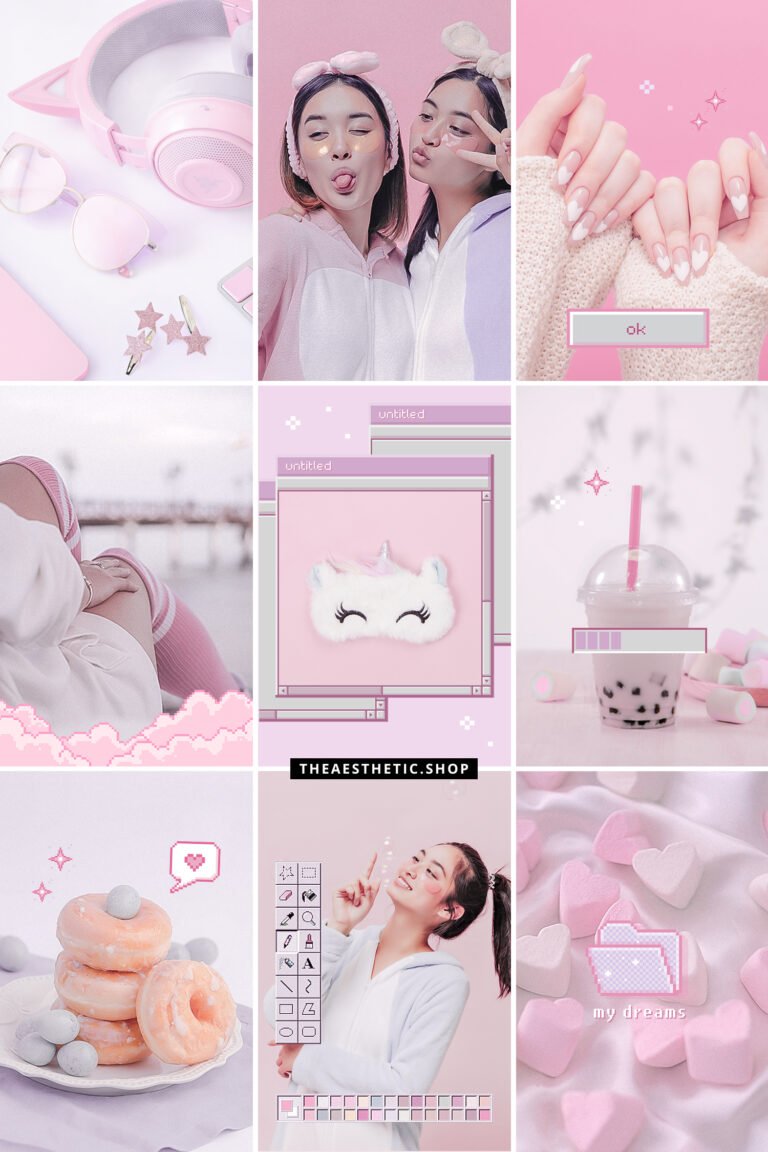
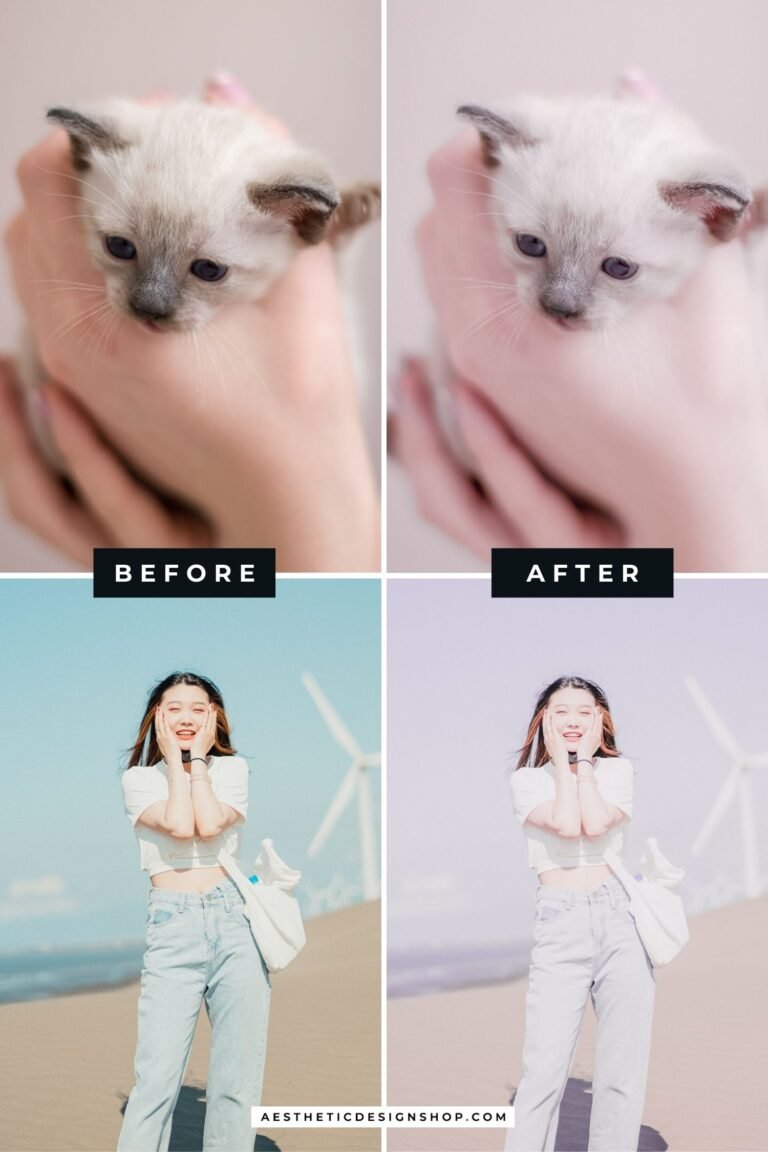


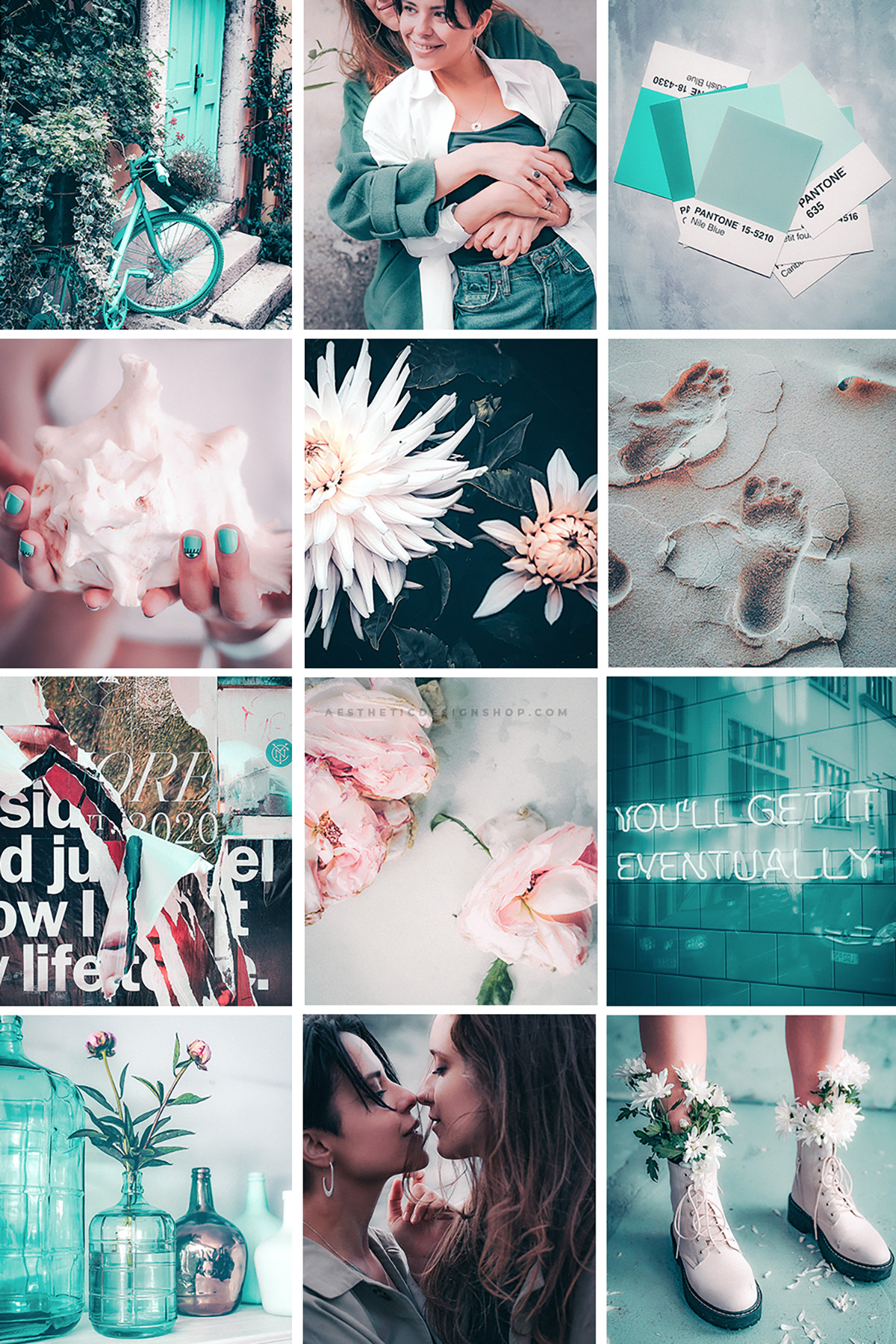
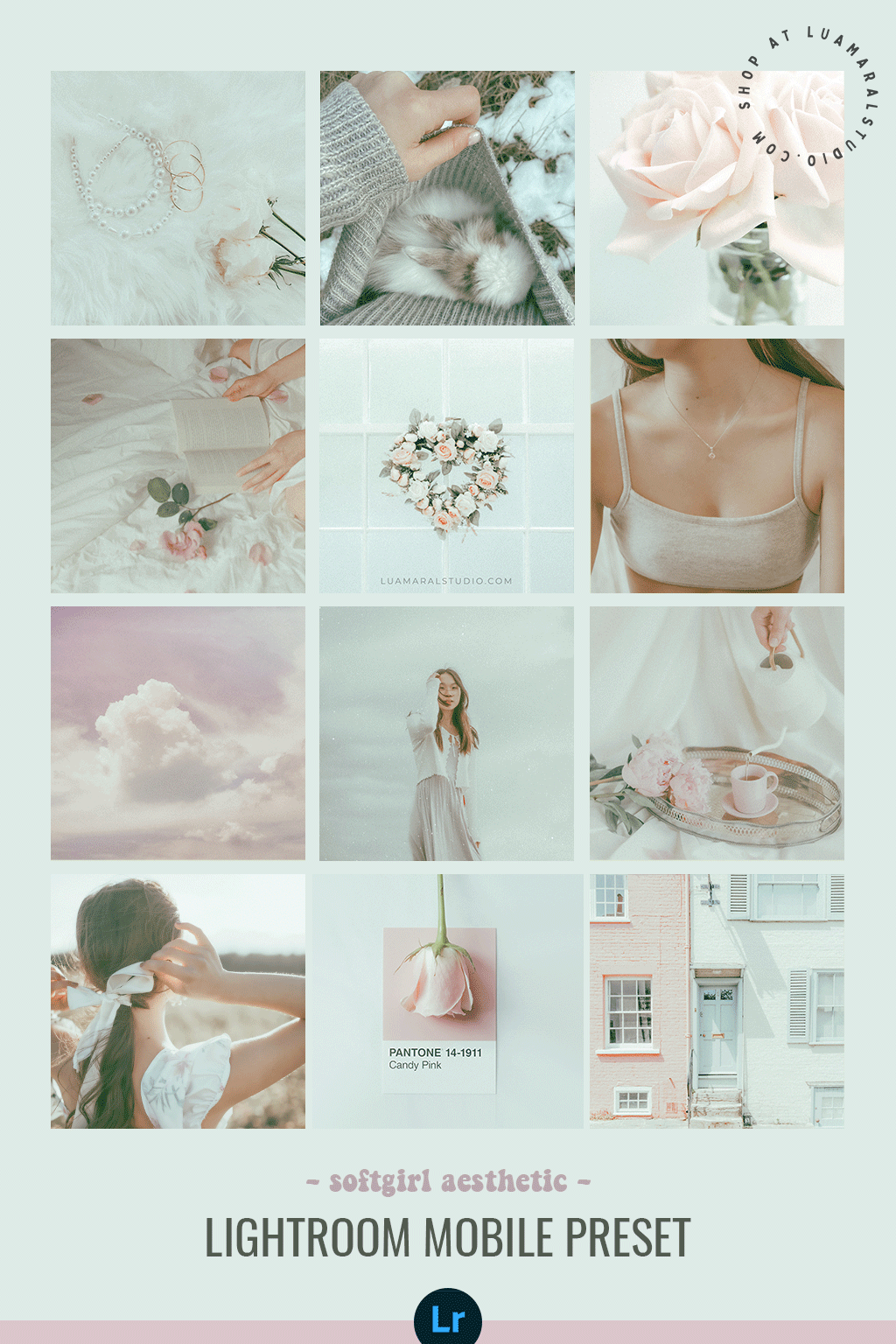
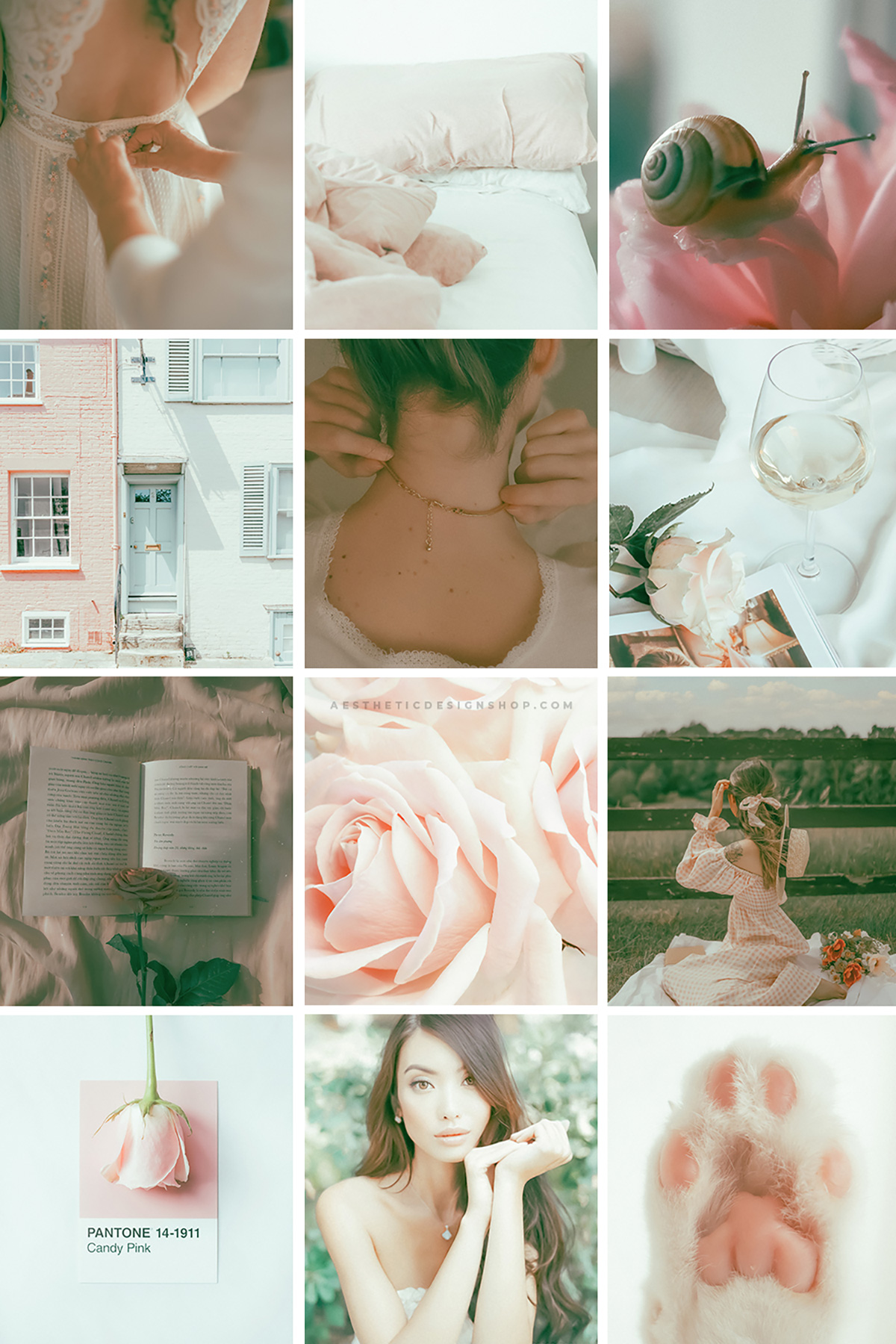
Make your photos irresistibly cute and dreamy with the Kawaii Aesthetic Lightroom Preset! Perfect for achieving soft pastel tones, playful pink hues, and that whimsical, lighthearted charm that defines Kawaii. Ideal for social media content, lifestyle shots, and anyone who loves adding a sprinkle of magic to their photos.
What’s Included:
- 1 Lightroom photo preset (mobile-compatible).
What You Need:
- The free Lightroom app (available on iOS and Android).
How to Install:
- Download the file: After purchase, you’ll receive a download link via email.
- Unzip the folder: Open the folder and locate the image labeled “This is your preset.”
- Save the preset image: Save the image to your phone.
- Import to Lightroom: Open the Lightroom app and upload the preset image.
- Create your preset:
- Tap the three dots (…) in the upper-right corner.
- Select “Create Preset” and name it (e.g., “Kawaii Aesthetic”).
- Apply the preset: Open your photos in Lightroom and apply the preset for a pastel-perfect finish!
Why You’ll Love It:
✨ Pastel Perfection: Achieve soft, dreamy tones with playful pink and pastel highlights.
✨ Quick & Easy: User-friendly and beginner-friendly—perfect for instant photo transformation.
✨ Social Media Ready: Ideal for creating cohesive, eye-catching Instagram posts or stories.
Additional Info:
- Delivery: Instant digital download.
- Support: If you need assistance, feel free to reach out—I’m here to help! Email me at hey@theaesthetic.shop.
Pro Tips for Best Results:
-
-
- Use this preset on well-lit photos for optimal brightness and pastel tones.
- Customize the preset to suit your unique style by adjusting the exposure or vibrance.
-




Reviews
There are no reviews yet.