Discover Lucy Amaral Studio Branding for modern luxury →
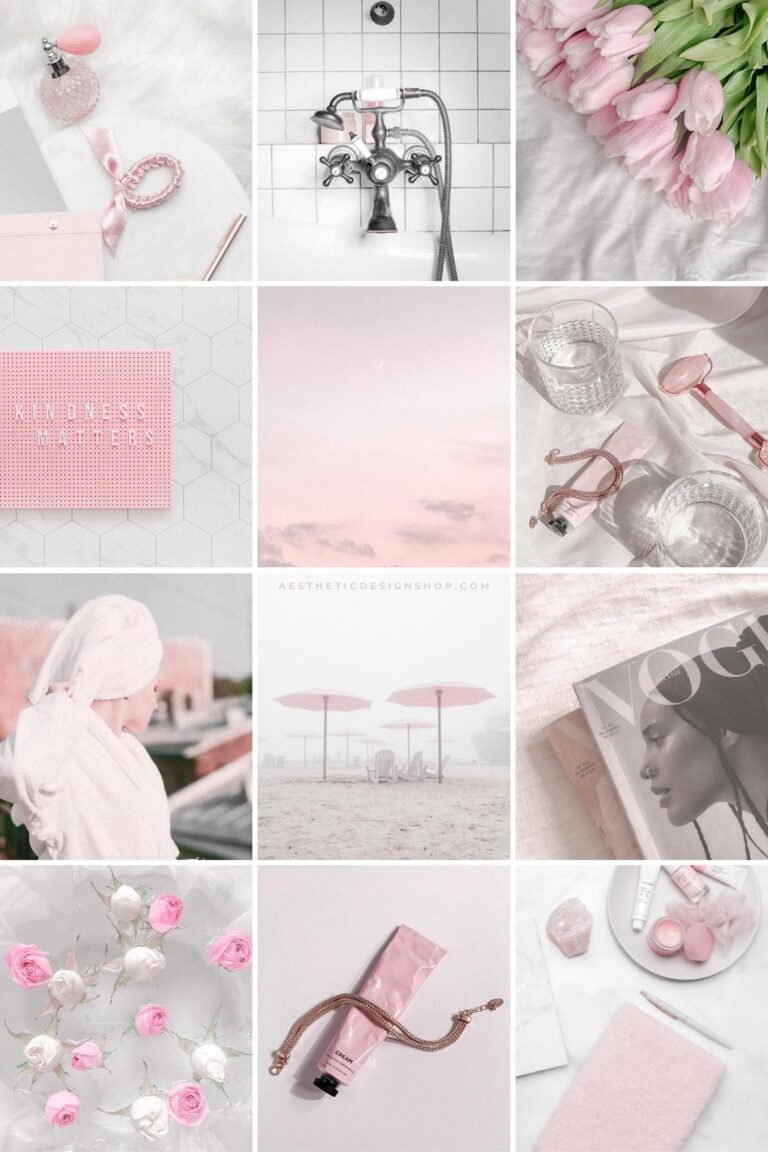
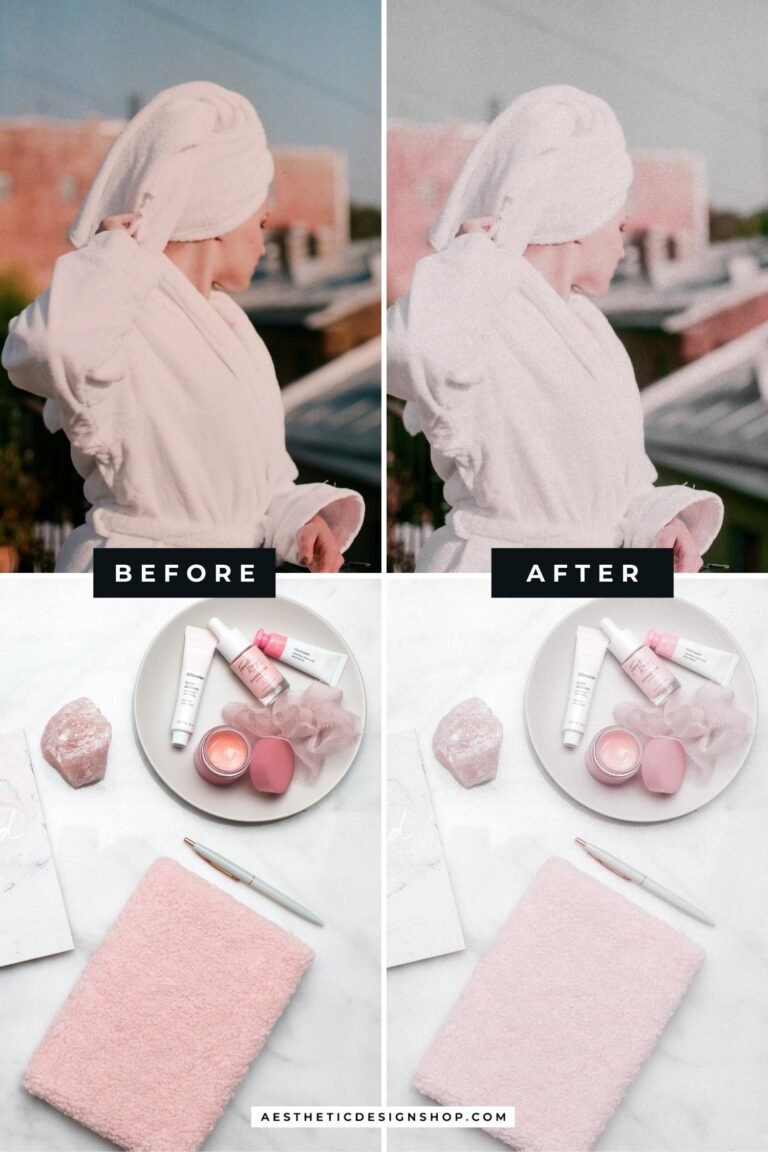

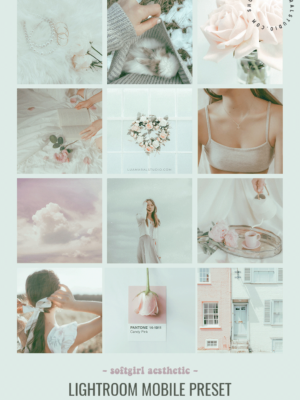
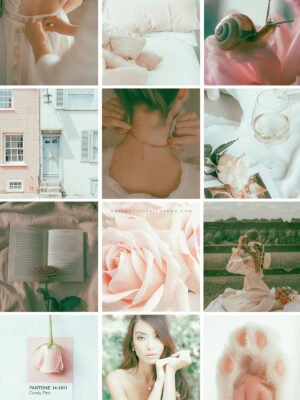
That Girl Pink Aesthetic Lightroom Photo and Video Preset
$0
- This kit contains: 3 Lightroom photo presets: Pale Pink original, Pale Pink 2 (if the image is too bright) and Pale Pink 3 (if the image is too dark)
- What you need: The free app Lightroom on your phone.
- How to save the preset:
- You’ll receive a download link on your email after the purchase. Download the file on your phone
- Unzip the folder and save the image that says “This is your preset” on your phone
- Launch Lightroom, and open the image you’ve just saved
- Click the three dots (…) in the right upper corner and select “Create preset”
- Chose a name and save the preset
- That’s it! Now you can open your own photos on Lightroom and apply the preset you’ve created 🙂
- Optional: adjust each photo’s lighting to achieve the perfect look
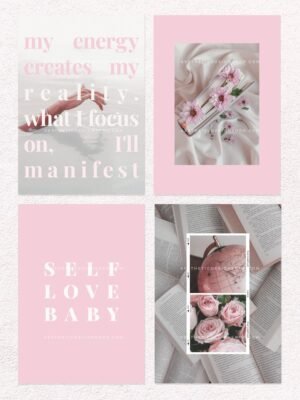


&url=https://www.theaesthetic.shop/product/30-easy-to-edit-pale-pink-aesthetic-social-media-canva-templates-for-stories-feed/&media=https://www.theaesthetic.shop/wp-content/uploads/2022/10/That-girl-soft-pink-Instagram-tiktok-editable-Canva-templates-by-Lu-Amaral-Studio-1.jpg)


Reviews
There are no reviews yet.