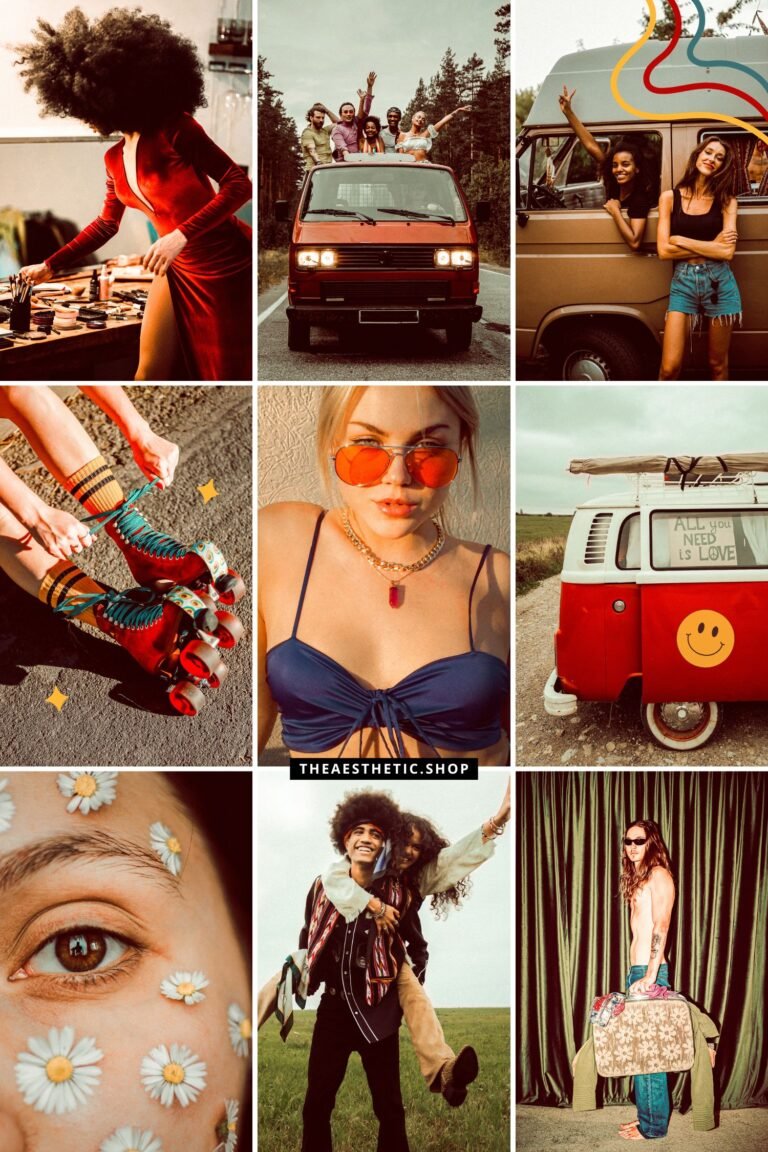
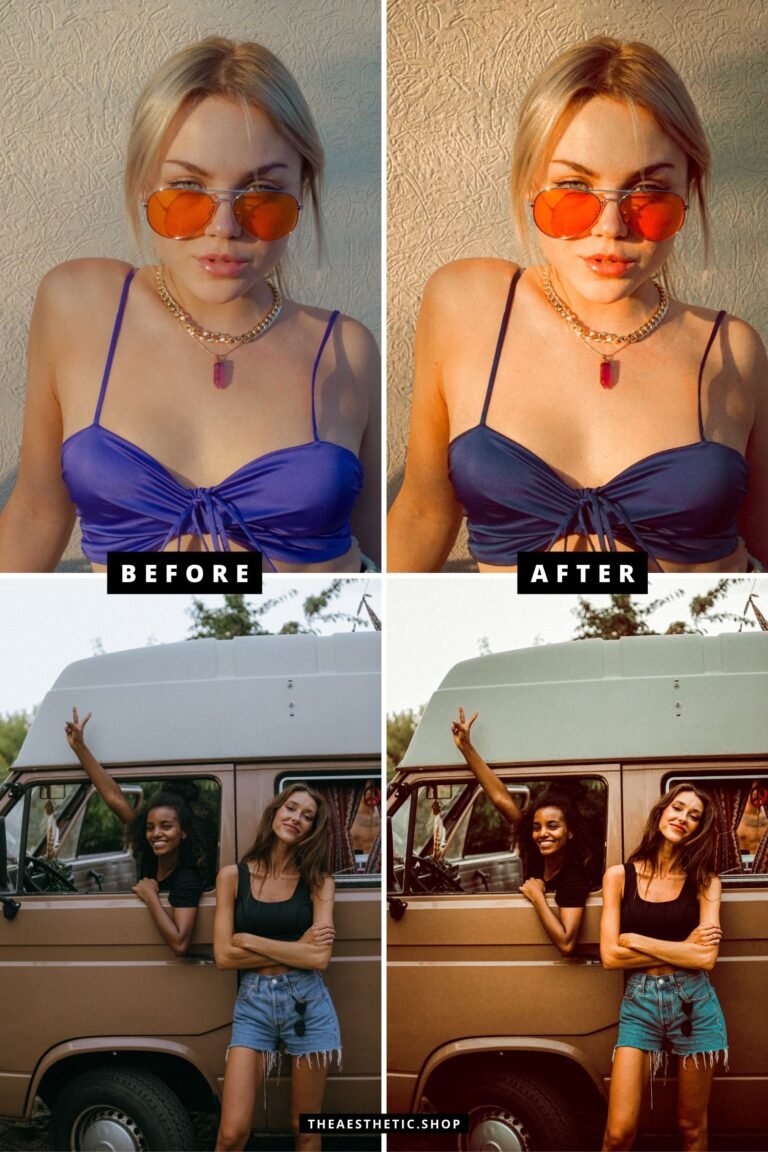
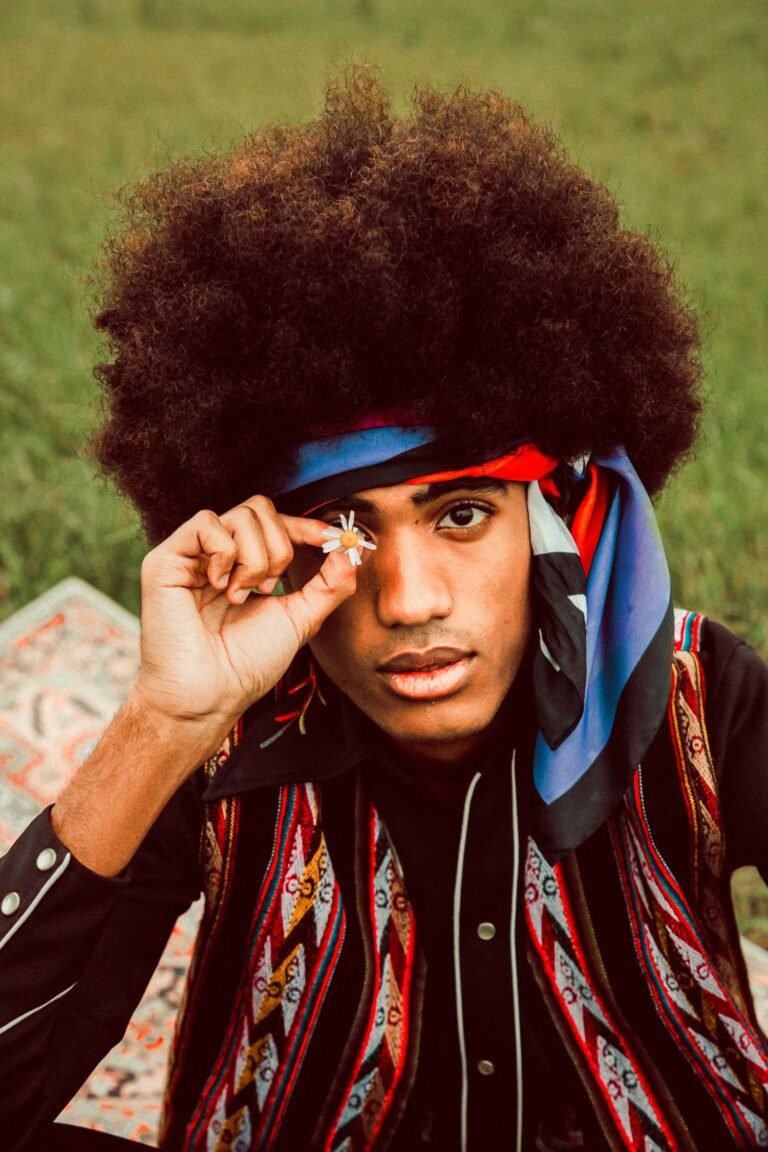
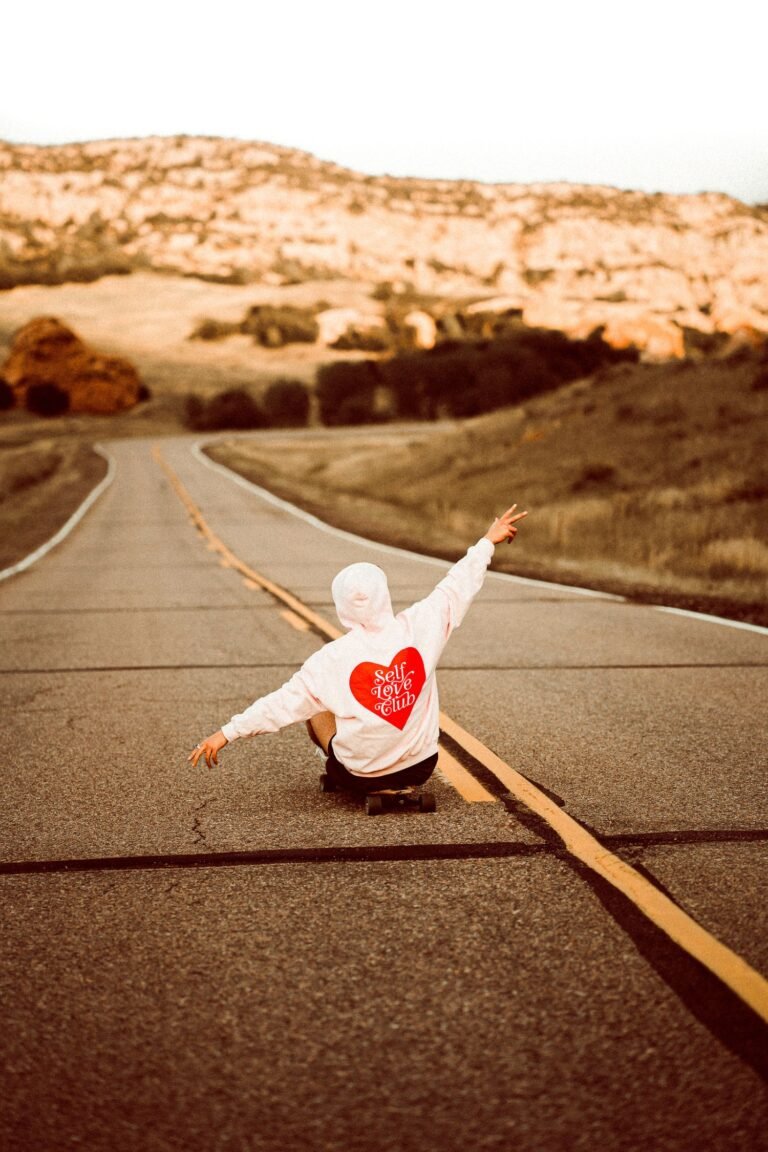
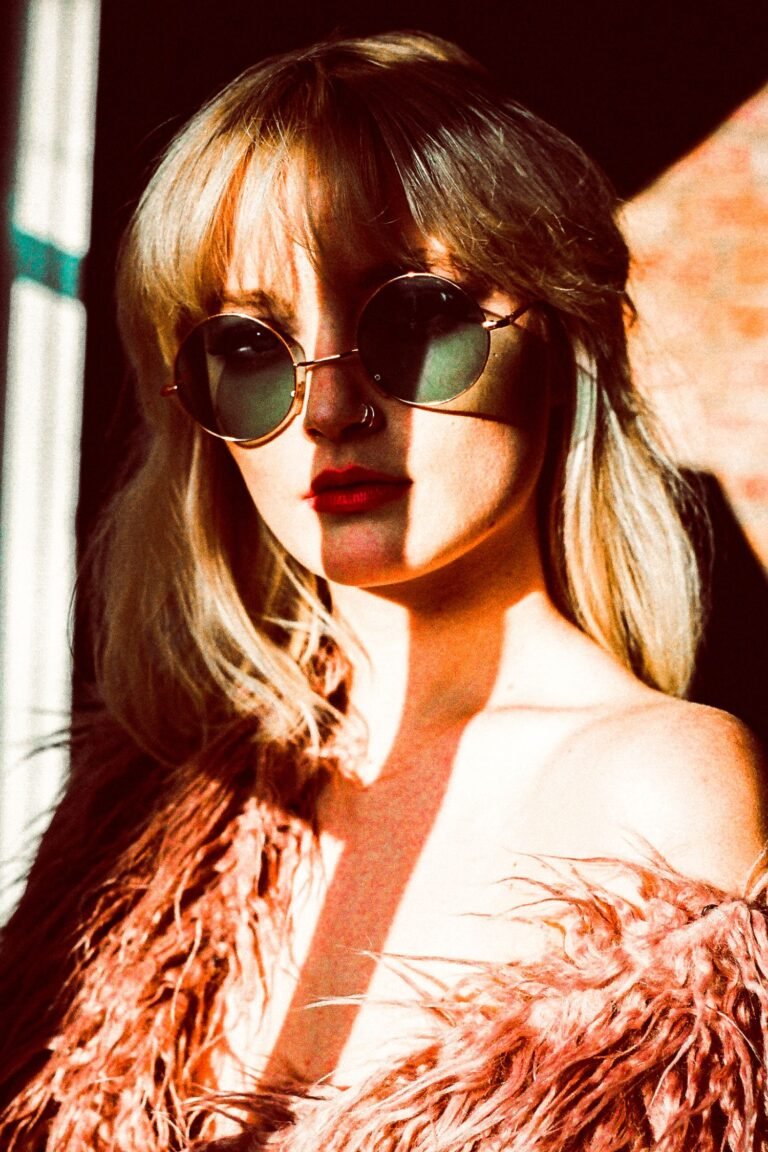

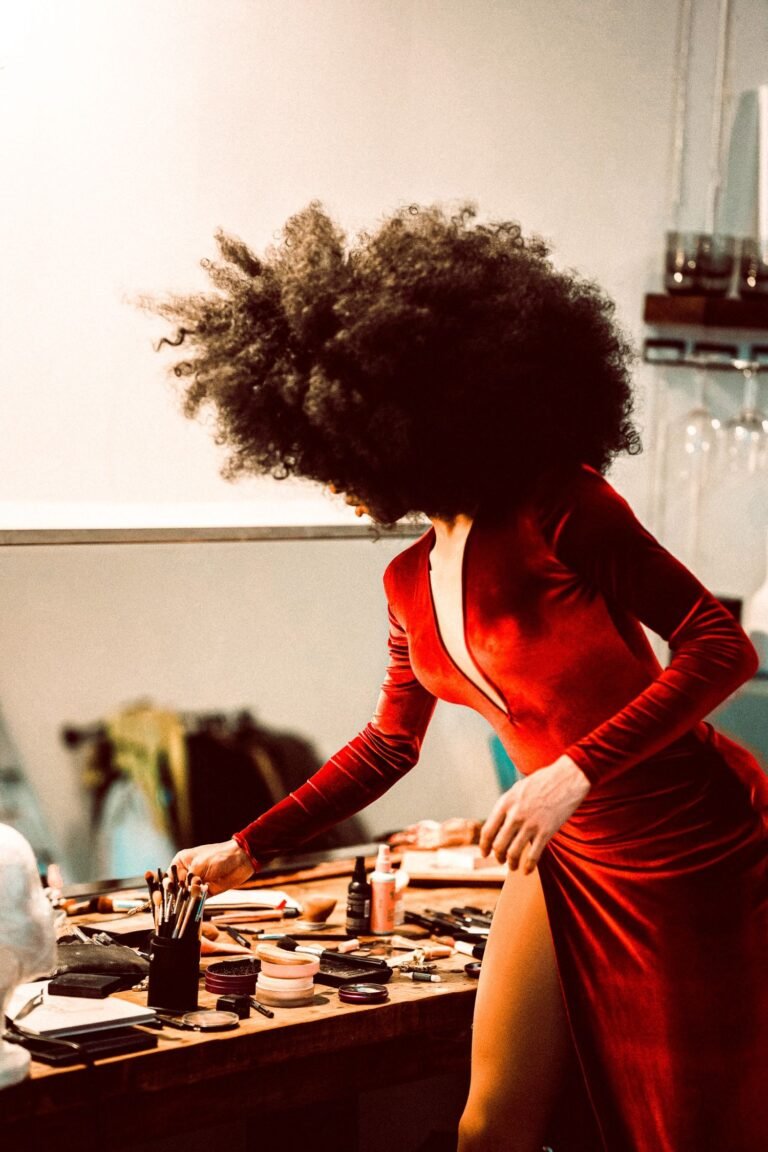







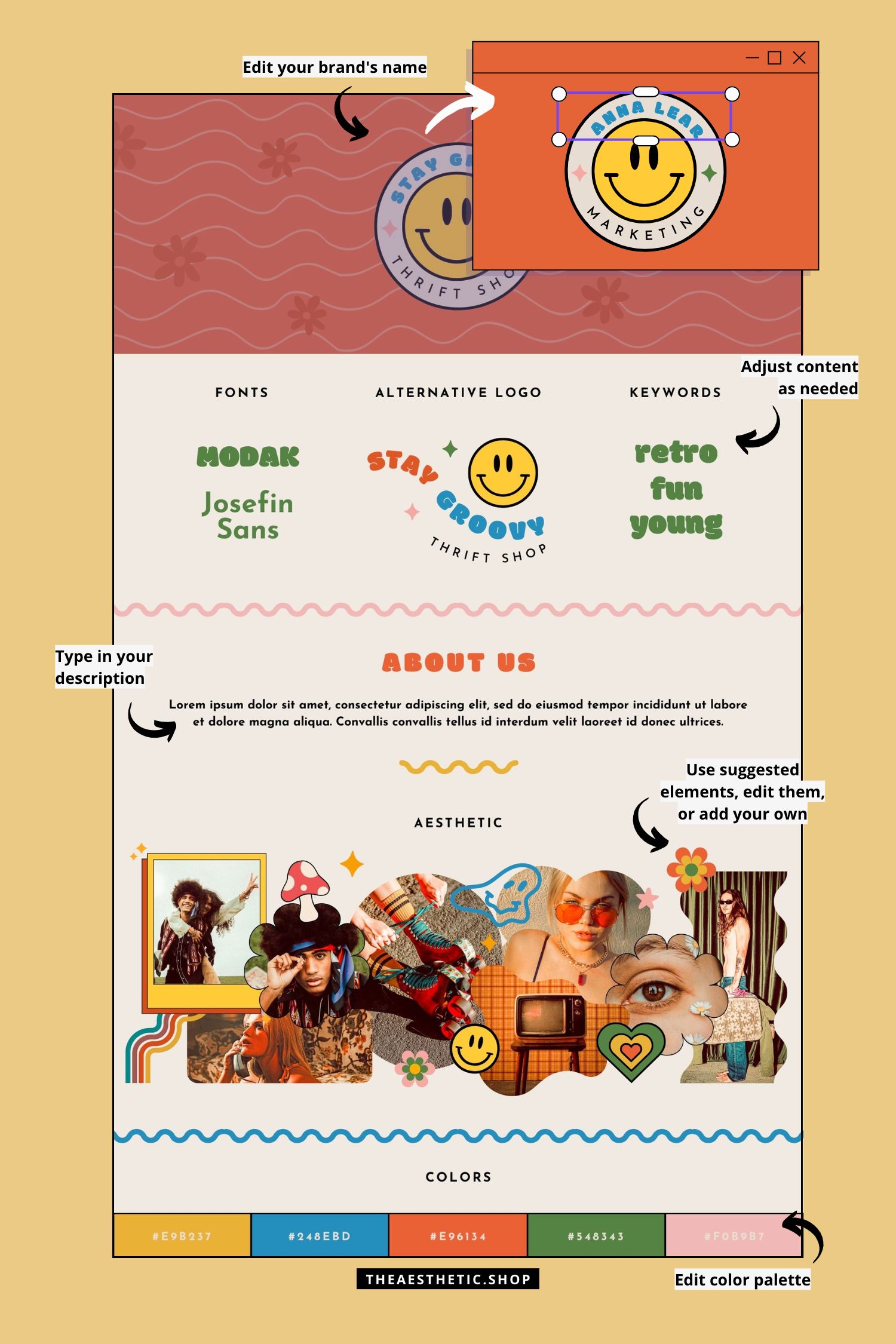
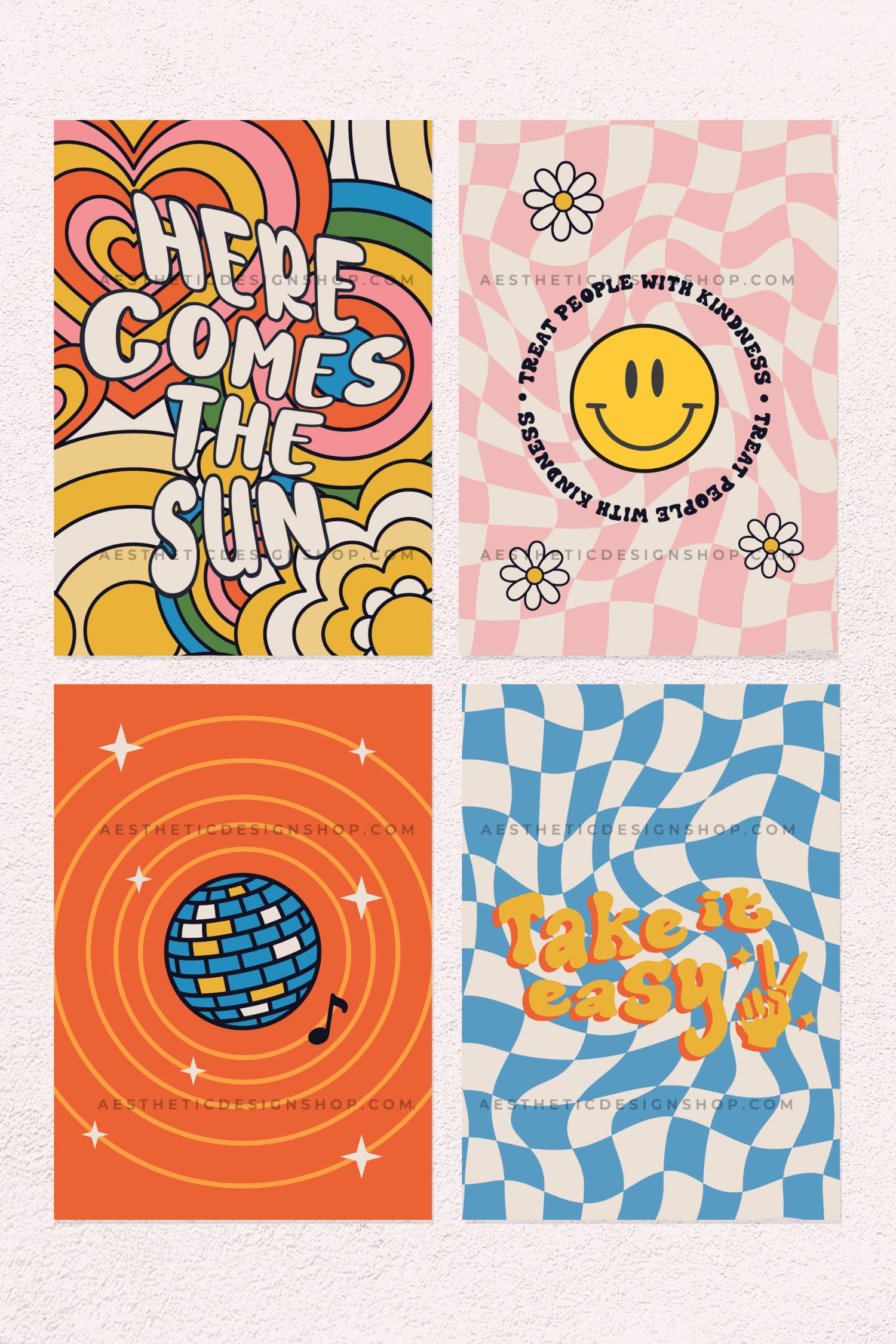
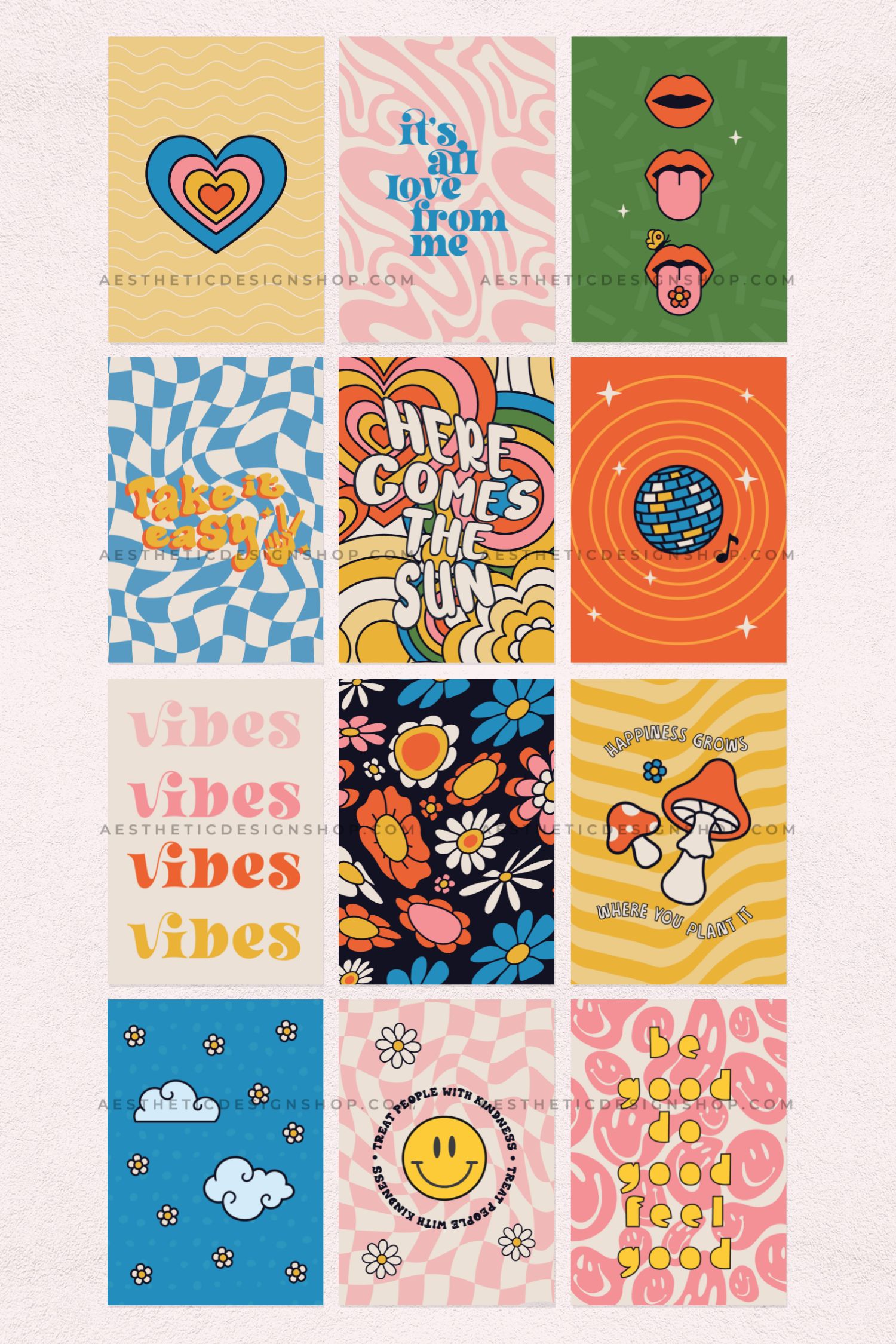
Turn up the vibes and get ready to groove with the Groovy Aesthetic Lightroom Preset! Inspired by the free-spirited, colorful energy of the ‘70s, this preset adds warm, earthy tones, bold contrasts, and a retro flair to your photos and videos. Perfect for vintage lovers, festival-goers, and content creators who live life with a splash of funk, it brings out rich, nostalgic hues and a carefree, sun-soaked vibe.
What’s Included:
- 1 Lightroom photo & video preset (compatible with mobile)
What You Need:
- The free Lightroom app (available on iOS and Android)
How to Install:
- Download the file: After purchase, you’ll receive a download link via email.
- Unzip the folder: Open the folder and locate the image labeled “This is your preset.”
- Save the preset image: Save the image to your phone.
- Import to Lightroom: Open the Lightroom app and upload the preset image.
- Create your preset:
- Tap the three dots (…) in the upper-right corner.
- Select “Create Preset” and name it (e.g., Groovy Aesthetic).
- Apply the preset: Open your photos in Lightroom and apply the preset for that retro-cool finish.
Why You’ll Love It:
✨ Retro Vibes: Adds warm, vintage-inspired colors with bold contrasts and rich textures.
✨ Easy to Use: Beginner-friendly with simple one-click application.
✨ Versatile: Perfect for festival photos, road trips, lifestyle content, and retro-themed shoots.
SEO Keywords:
Groovy Aesthetic Preset, Retro Lightroom Filter, Vintage Photo Editing, Funky ‘70s Vibe Preset, Festival Photo Filter, Warm Earthy Tones Preset, Nostalgic Aesthetic Filter, Free-Spirited Lightroom Preset
Pro Tip:
Pair this preset with bold sunglasses, funky prints, and natural outdoor lighting for the ultimate groovy aesthetic. Your feed will feel like a blast from the past—in the coolest way possible!
Ready to bring the funk to your feed? Let’s get groovy! ✌️🌼✨






Reviews
There are no reviews yet.