Discover Lucy Amaral Studio Branding for modern luxury →
Neon Aesthetic Lightroom Photo Preset [+ Free Bonus: 70 Aesthetic images] to Pinterest (opens in a new window)
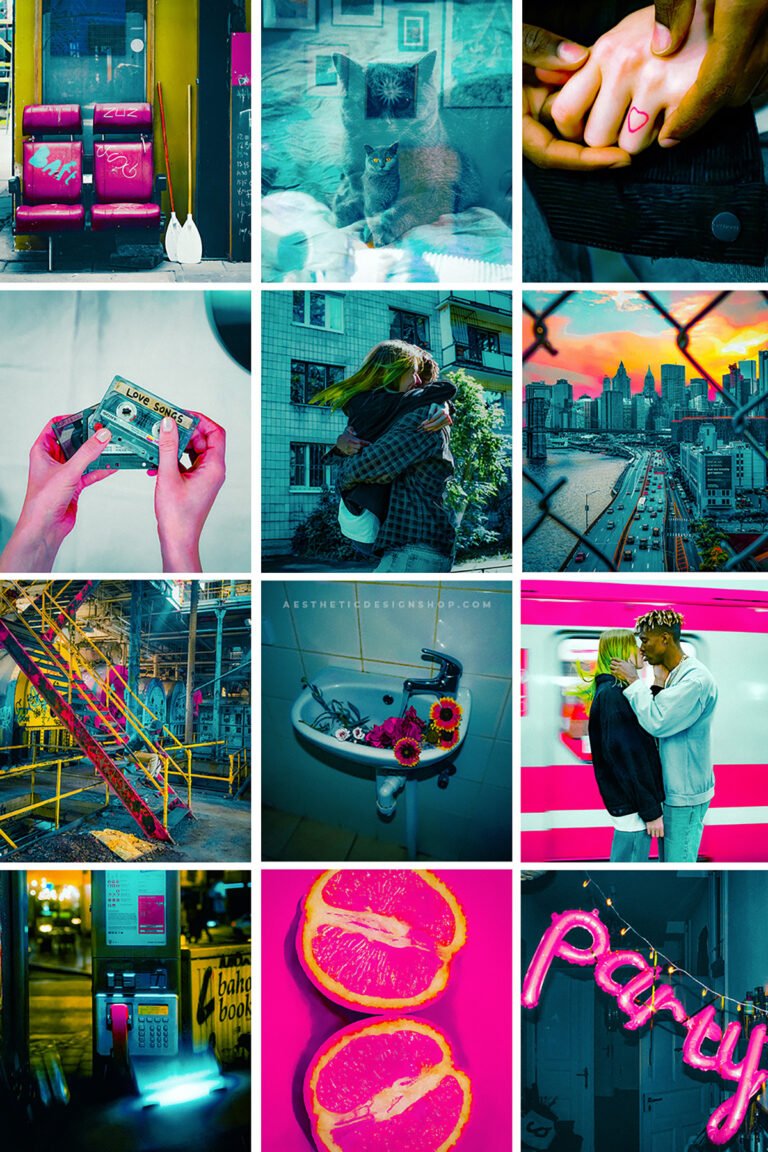
![Neon Aesthetic Lightroom Photo Preset [+ Free Bonus: 70 Aesthetic images]](https://www.theaesthetic.shop/wp-content/uploads/2021/02/citrus-lightroom-preset_0001_2-700x1050.png "citrus-lightroom-preset_0001_2")
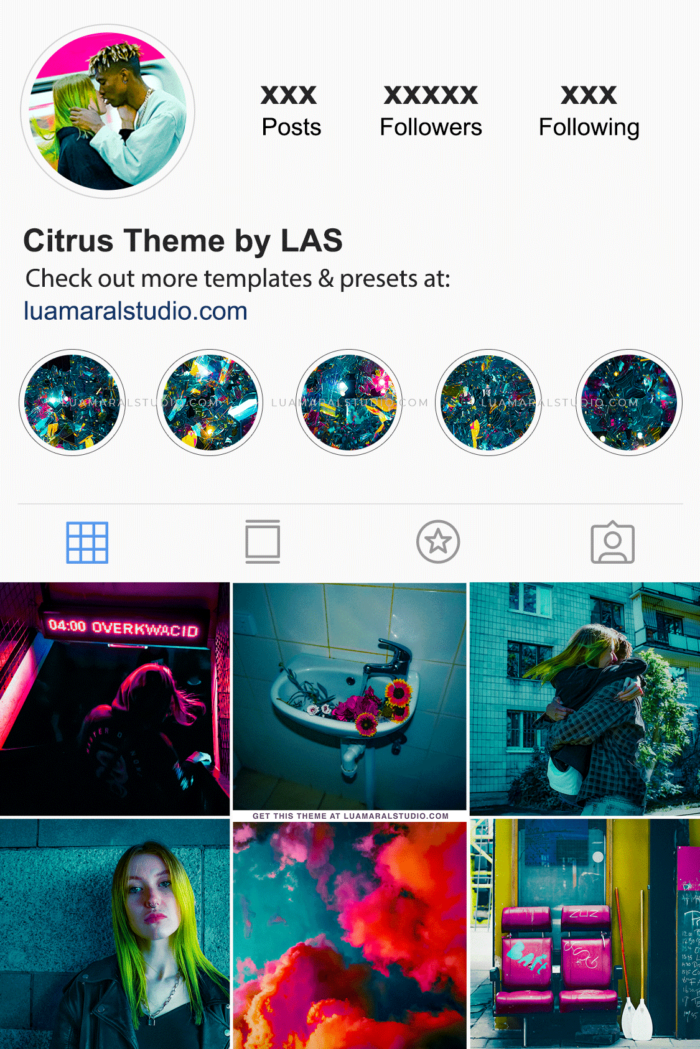
![Neon Aesthetic Lightroom Photo Preset [+ Free Bonus: 70 Aesthetic images]](https://www.theaesthetic.shop/wp-content/uploads/2021/02/citrus-lightroom-preset_0002_3-700x1050.png "citrus-lightroom-preset_0002_3")

![Neon Aesthetic Lightroom Photo Preset [+ Free Bonus: 70 Aesthetic images]](https://www.theaesthetic.shop/wp-content/uploads/2021/02/citrus-lightroom-preset_0001_2-100x100.png "citrus-lightroom-preset_0001_2")
![Neon Aesthetic Lightroom Photo Preset [+ Free Bonus: 70 Aesthetic images]](https://www.theaesthetic.shop/wp-content/uploads/2021/02/citrus-lightroom-preset_0002_3-100x100.png "citrus-lightroom-preset_0002_3")

Neon Aesthetic Lightroom Photo Preset [+ Free Bonus: 70 Aesthetic images]
$0
Out of stock
- This kit contains: 1 Lightroom preset + 70 High res lifestyle images ready to use. Images size: 2000px x 2000px, 72 dpi.
- What you need: The free app Lightroom on your phone.
- How to save the preset:
- You’ll receive a download link on your email after the purchase. Download the file on your phone.
- Unzip the folder and save the image that says “This is your preset” on your phone.
- Launch Lightroom, and open the image you’ve just saved.
- Click the three dots (…) in the right upper corner and select “Create preset”.
- Chose a name and save the preset.
- That’s it! Now you can open your own photos on Lightroom and apply the preset you’ve created 🙂
Related products…


Related products
-
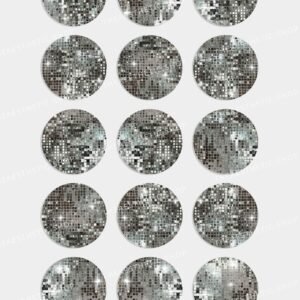
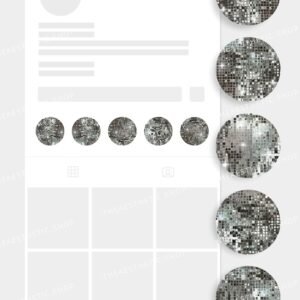
Disco ball Aesthetic Instagram Highlight Covers
-
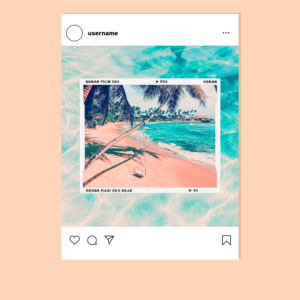
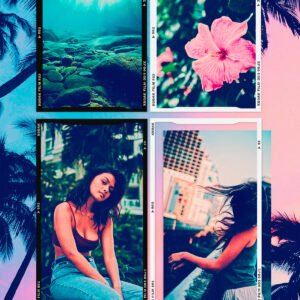
4 Kodak png film strip frames (feed and story size)
-
High-Resolution Aesthetic Image – “Lunar Dreamscape” Celestial Night Sky to Pinterest (opens in a new window)
High-Resolution Aesthetic Image – “Lunar Dreamscape” Celestial Night Sky
-
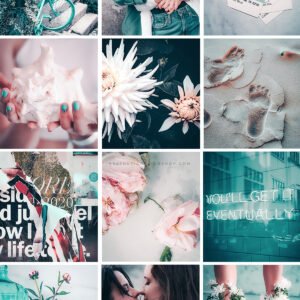
Acqua Lightroom Photo and Video Preset


